Live online classes.
Offline classrooms.
Learn with faculty via Zoom or at our centres. Check the available mode for your programme.
Live ZoomOffline Classroom
Explore Programmes 
BIM CAFE LEARNING HUB

LEARNING THAT FITS YOUR LIFE
FIND YOUR LEARNING PATH
Start with your discipline. Explore the skills, projects and learning options that suit your goals.
Check Fees & Batch DatesExplore fees, optional modules and upcoming batches. No payment required; submitting your details does not enrol you.
13 programmes to explore
Civil engineering
Build architectural and structural models, coordinate disciplines and prepare project drawings.
Architecture
Connect design development, architectural modelling and coordinated documentation.
Structural engineering
Connect structural modelling with ETABS, STAAD.Pro, coordination and engineering review.
Interior design
Explore space planning, materials, working drawings and visualisation for your portfolio.
Intensive learning
Work one-to-one with dedicated faculty at the centre, with an assessment-led learning plan.
Experienced BIM professionals
Develop model checks, issue management and review cycles for coordination responsibilities.
Guided project training
Choose a suitable project module after a practical Revit assessment and work through guided reviews.
Guided project training
Complete a guided LOD 300 project in HVAC, electrical, plumbing or fire protection.
Mechanical design
Study HVAC, plumbing and fire protection design, calculations and AutoCAD documentation.
Mechanical BIM
Model HVAC, plumbing and fire protection systems through three guided projects.
Electrical design
Learn electrical building-services design and communicate engineering decisions through drawings.
Electrical BIM
Develop electrical models, coordinate building services and prepare project deliverables.
Complete recorded BIM pathway
Learn AutoCAD, Revit Architecture & Structure and Navisworks, with three projects and live faculty support.
PRESS PLAY ON YOUR NEXT SKILL
Pre-recorded AEC software courses you can fit around college, work and everyday life.
Browse all recorded software coursesWatch a sample from our Revit Architecture beginner course, right here. Get a feel for the teaching before choosing your next step.
English, Hindi & other languagesComing soon
Explore the full course ↗Having trouble playing? Open the preview ↗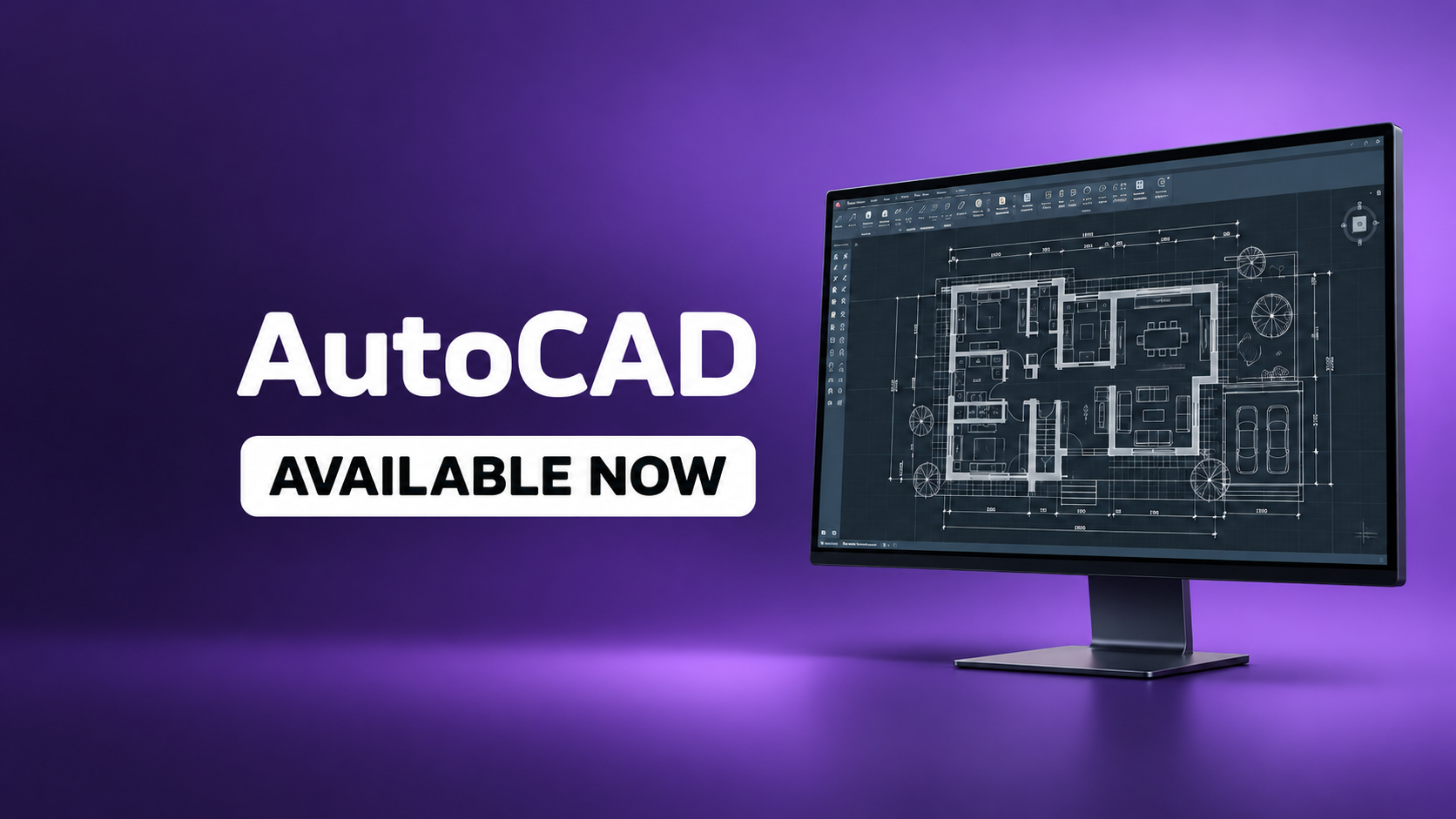
DRAW & DOCUMENT
Start with practical 2D drawing, drafting and engineering documentation.

MODEL BUILDINGS
Build your foundation in architectural modelling, views and sheets.
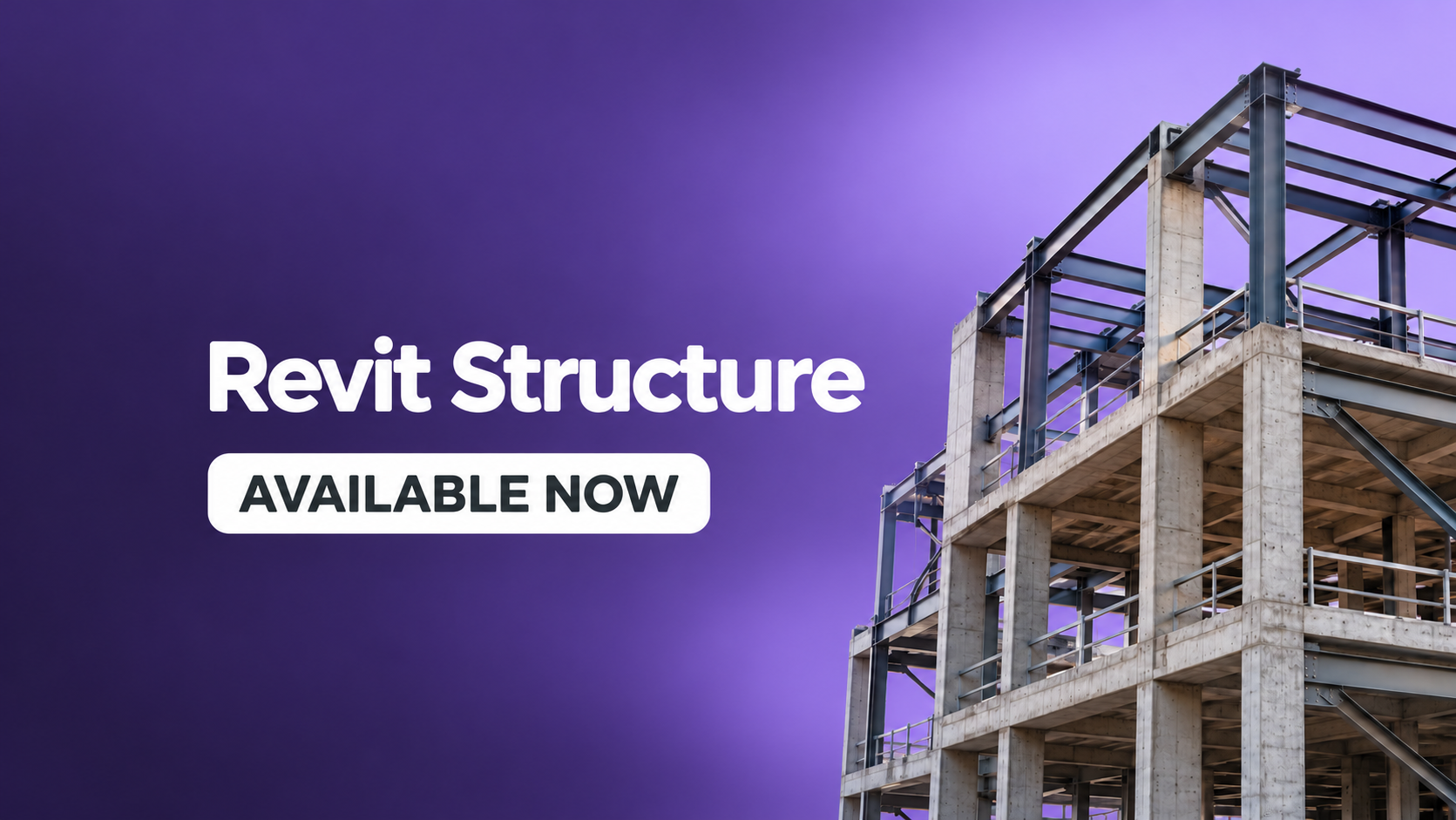
MODEL STRUCTURES
Learn the essentials of structural BIM with step-by-step lessons.
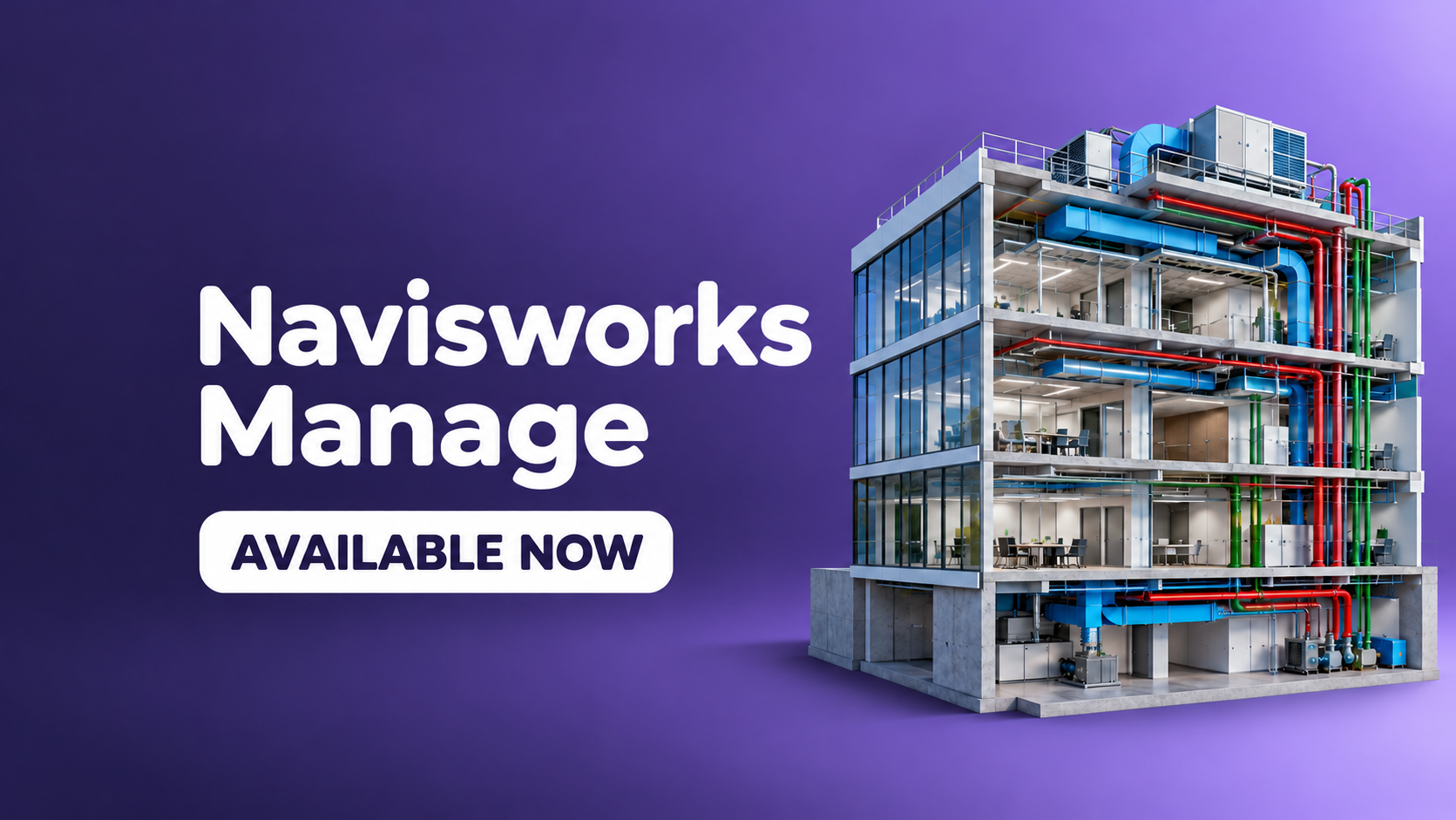
REVIEW & COORDINATE
Get started with model review and BIM coordination fundamentals.
Coming next: Scan to BIM and Revit Electrical.
AUTODESK AUTHORISATIONS & CERTIFICATES
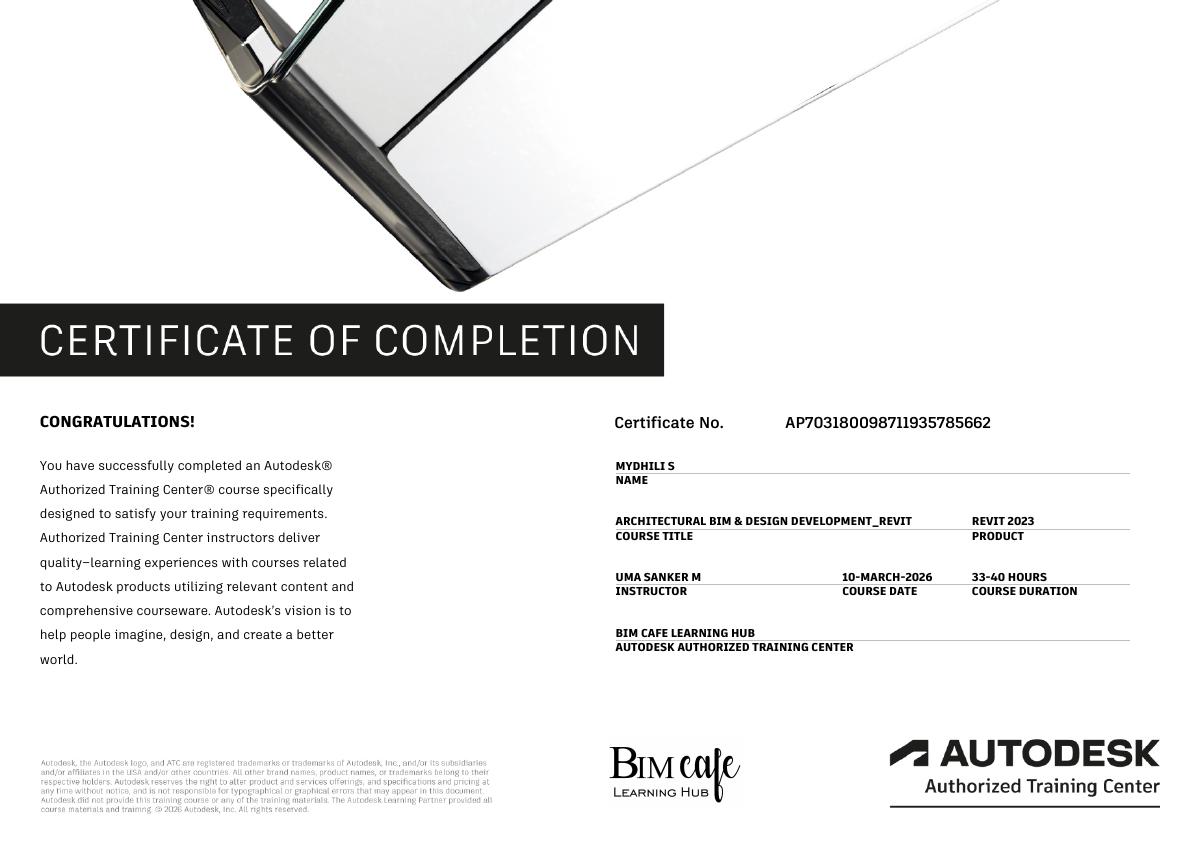
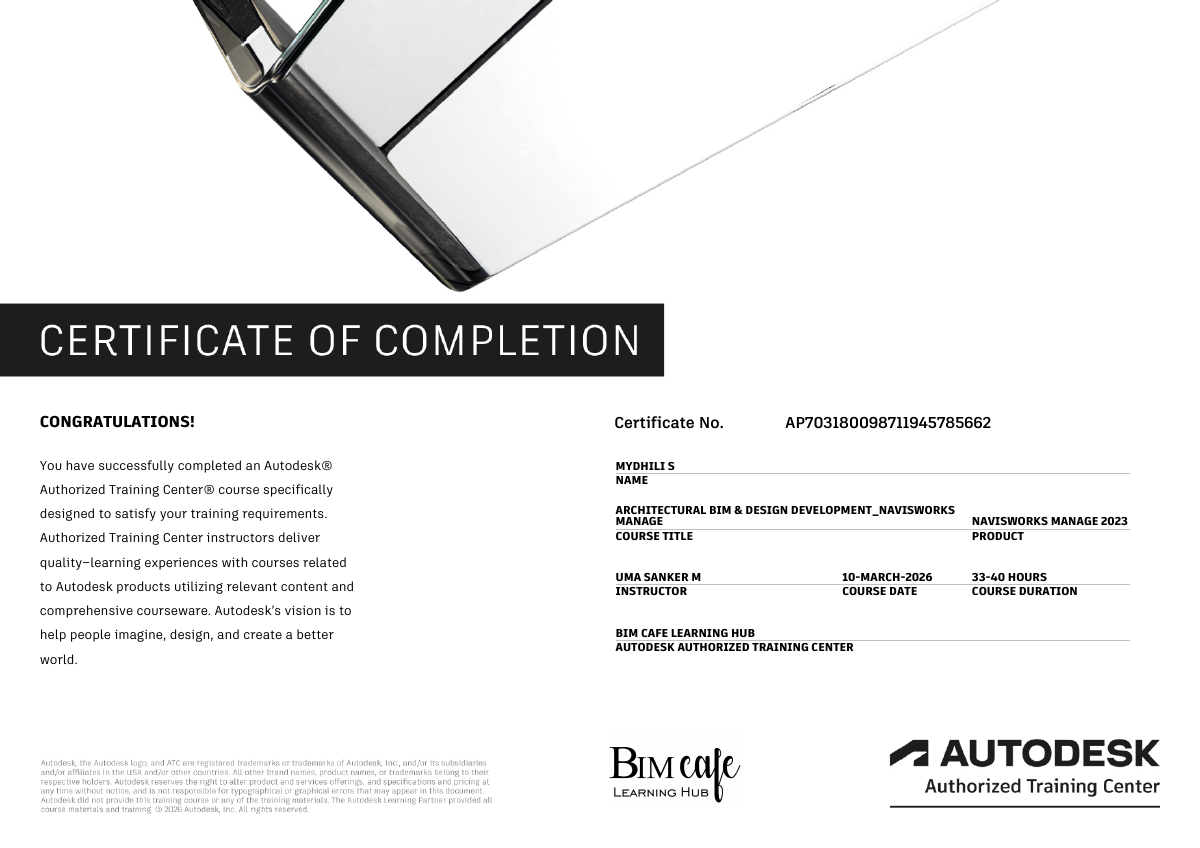
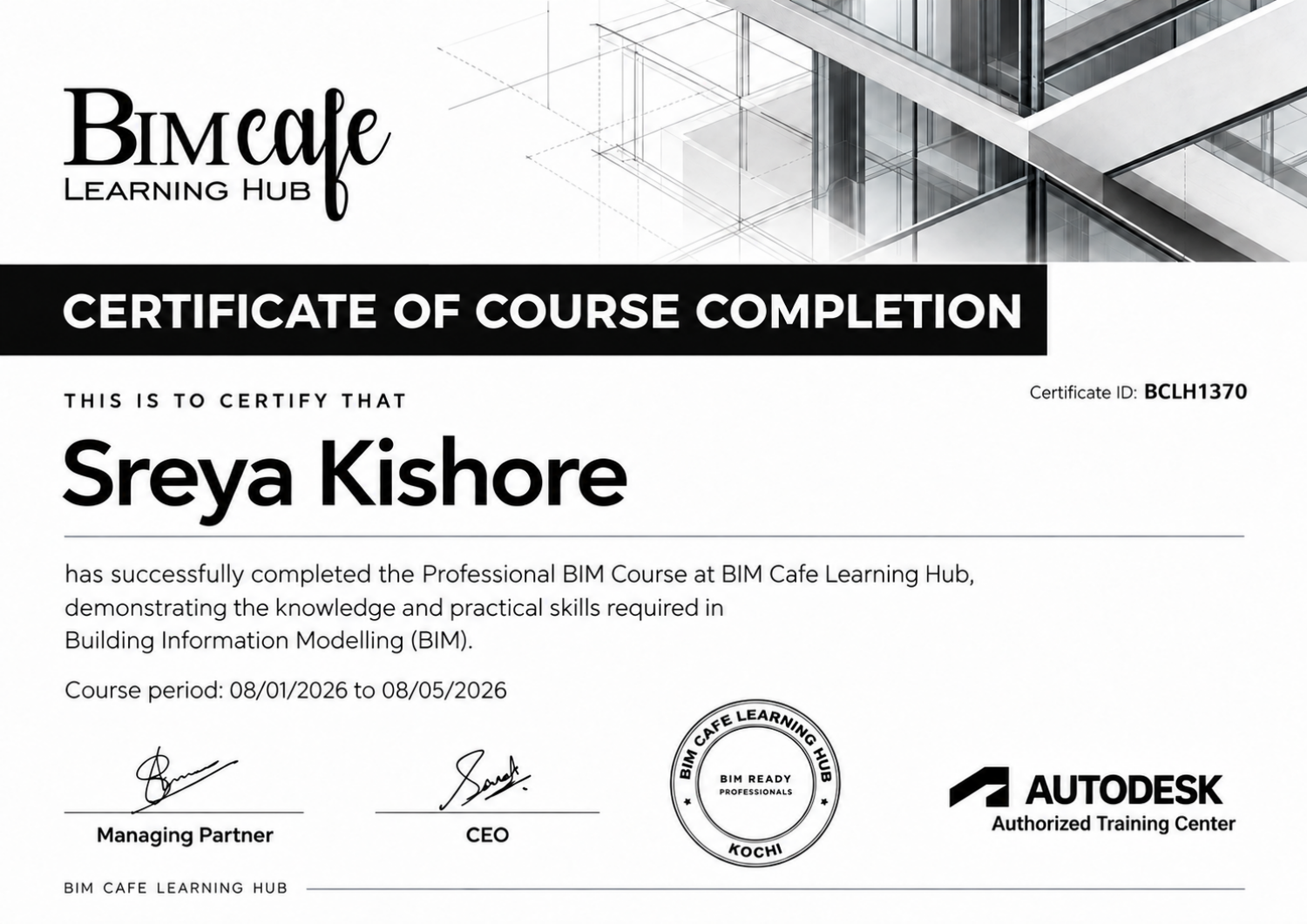
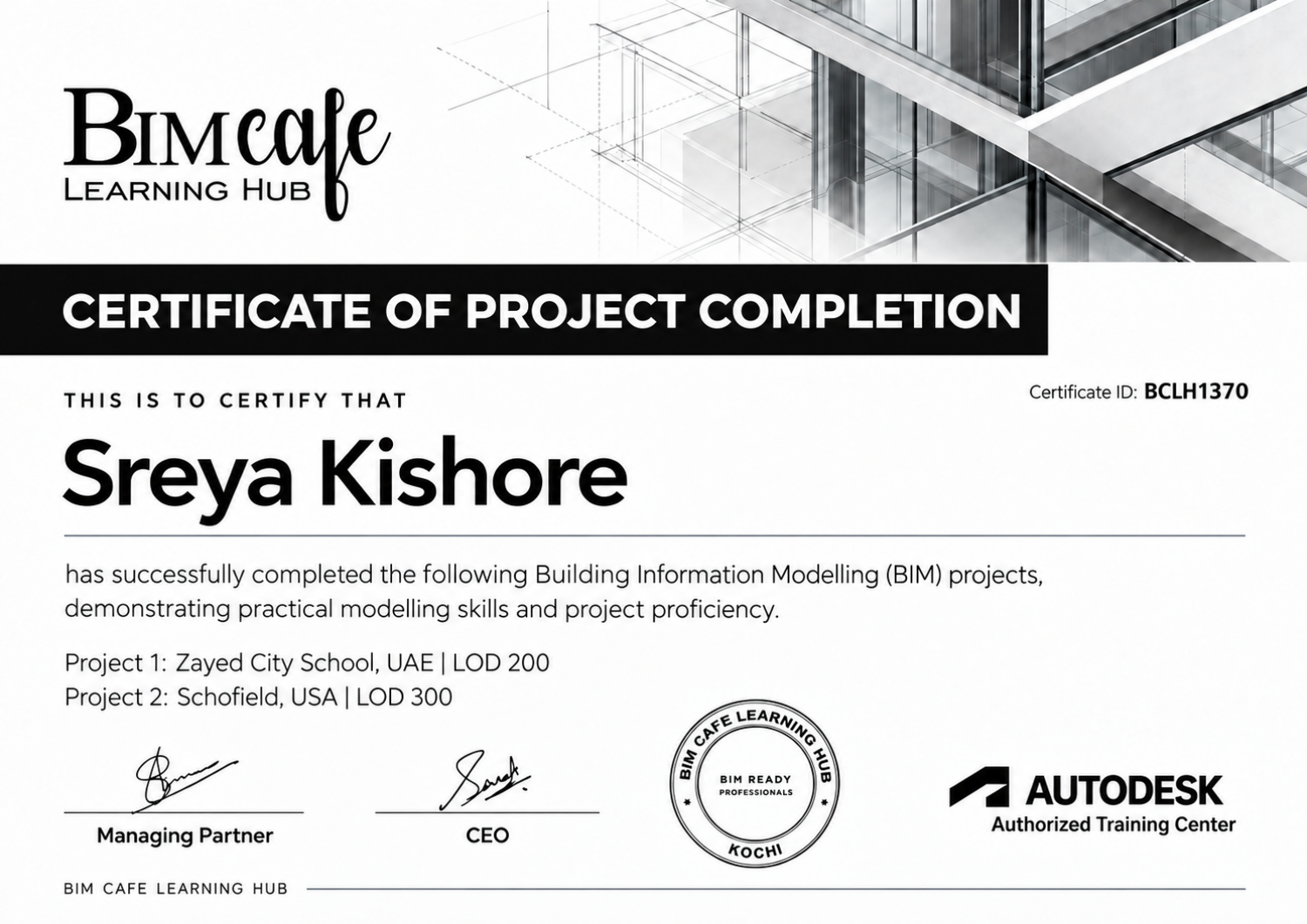
Explore our authorisations and sample completion certificates. Tap a document for a closer look.
Open the original documents to view our training relationships.
Autodesk site authorisations shown are for BIM Cafe Learning Hub, Ernakulam, valid until 1 February 2027. All completion certificates displayed here are samples. Certificate availability and completion requirements depend on your programme.
LEARN BY MAKING
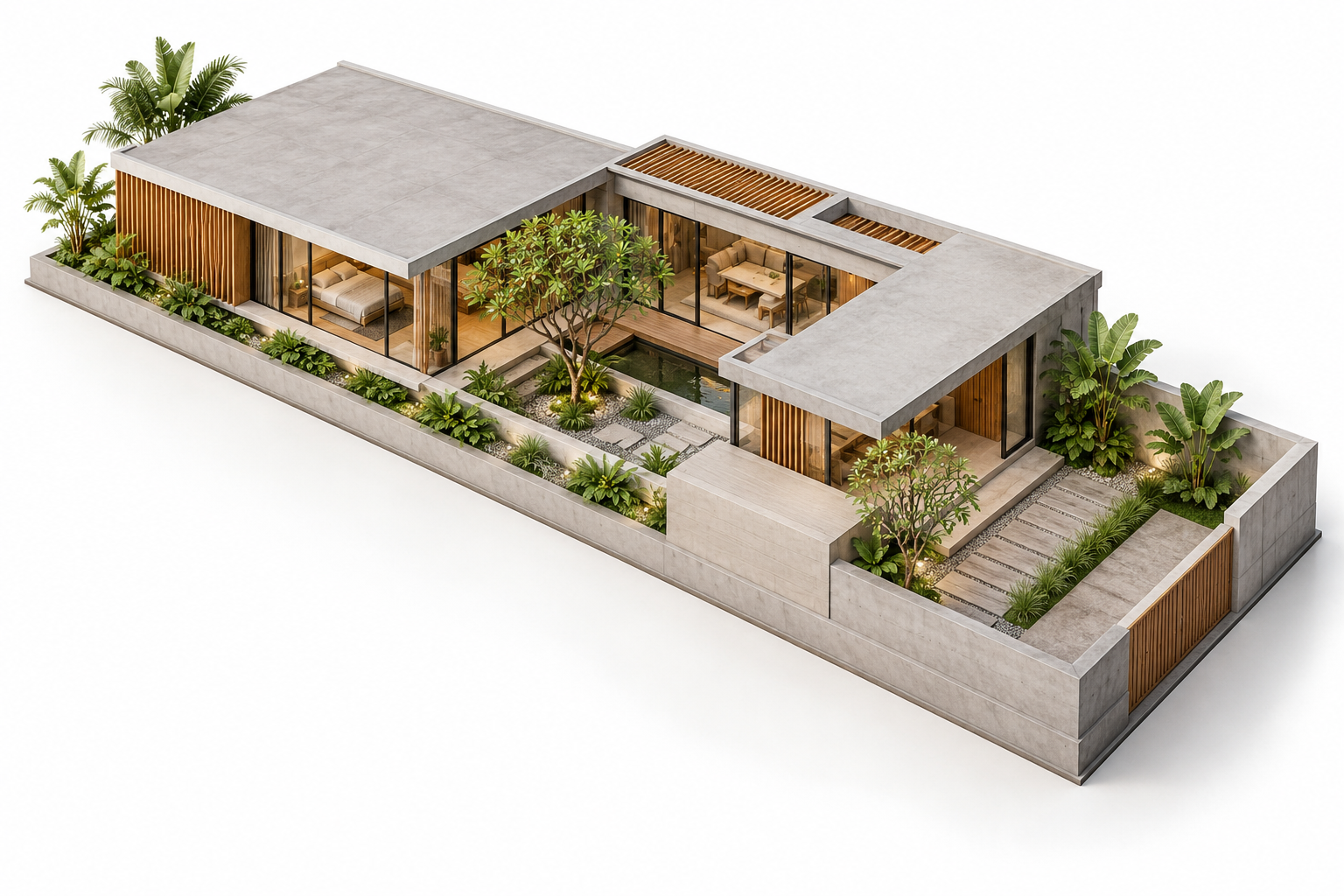
Models and drawings that communicate a design.
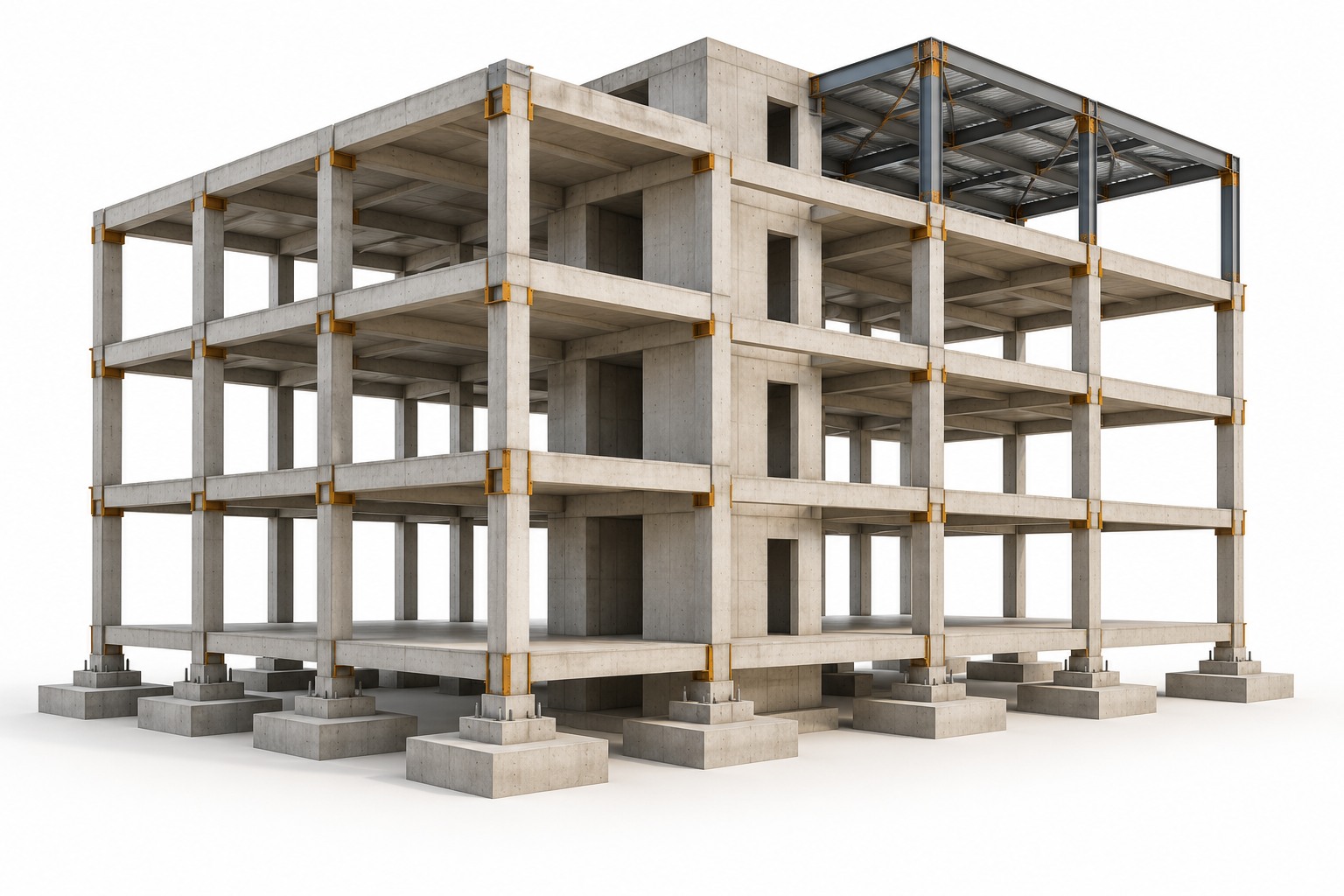
Framing and structural information brought together.
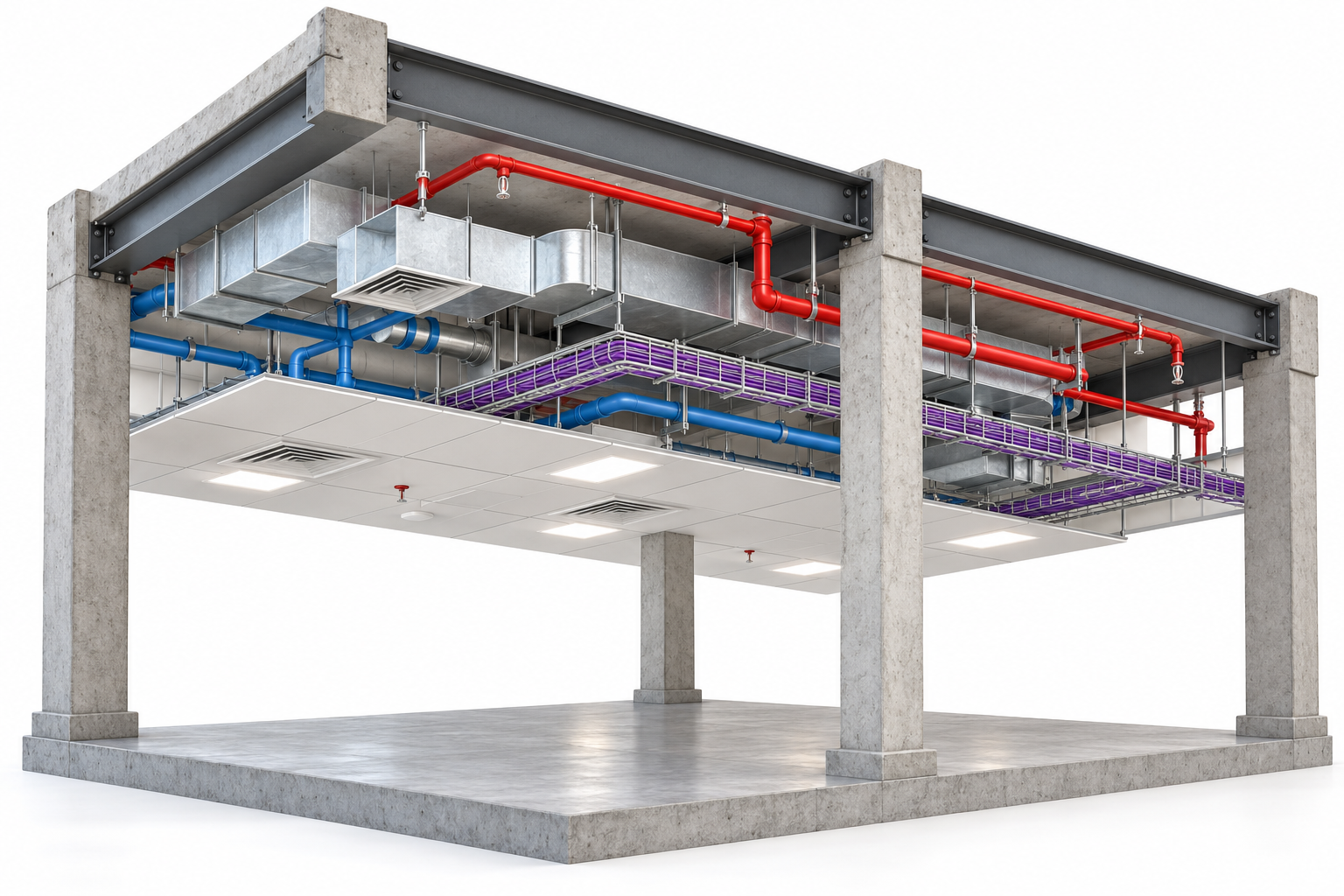
Building services coordinated across disciplines.
Illustrative learning outcomes, not student submissions. Projects and deliverables vary by programme.
LEARNING CONNECTED TO INDUSTRY
STUDENT EXPERIENCES
Experiences shared by learners about their time at BIM Cafe Learning Hub.
Find us on Google
From learning BIM concepts to applying them in real projects, this institute gave me the confidence to take the next step in my career. Thank you for the guidance, support, and unforgettable learning experience.
It's been a great experience with BIM Cafe Learning Hub. The classes are very good easy to understand. Get a preffossional training sessions through live project. The faculties are supportive. Also the placement support is a good thing.
I was confused about where to join after my graduation. One of my senior suggested BIM Cafe. After completing the course, I feel it was a good decision. The trainers are very helpful, and I had a great learning experience. Highly recommended!
It was an excellent experience attending this BIM training institute. The trainers were knowledgeable and approachable, and the institute provided ample resources for students to practice and hone their skills throughout the course. The institute is highly recommended for anyone seeking to advance their BIM knowledge and skills.
BIM Cafe Learning Hub exceeded my expectations! The instructors were professional and supportive, and the curriculum was challenging yet manageable. I appreciated the focus on collaboration and teamwork, which is essential in the industry. The facilities were clean and well-maintained, and the location was convenient. I would recommend this institute to anyone looking to enhance their BIM skills.
One of the best BIM Training institute in Kerala. Their project based approach really did help me understand BIM aspects. Faculties are very friendly and live project training helped me get the job as soon as i completed the course.
Hover over a review to pause. On mobile, use Pause to take your time reading.
LET’S MAKE IT CLEAR
Start with your discipline and current skills. Foundational programmes suit learners building their first BIM skills; project and coordinator programmes may require prior experience. Our course team can help you compare the options.
No. Recorded AEC software courses focus on individual tools, such as AutoCAD or Revit. BIM Training On Demand is a complete pre-recorded BIM programme covering four software tracks, practical assignments, three projects and scheduled live faculty support.
Live online, classroom and recorded options are available across the course range. The mode depends on the programme. BIM FastTrack uses individual training at the centre; check the course page or speak to the team for the available schedule.
Yes. You can enquire about live Zoom classes for Tekla, Autodesk Civil 3D and Primavera P6. The team can explain the syllabus, prerequisites and upcoming class options.
Career guidance, portfolio preparation, interview preparation and placement support are available for eligible programmes. Ask the course team what is included in your chosen course. Placement support does not guarantee a job.
The four featured beginner software courses are listed in Malayalam. Check the individual course page for the teaching language, lesson details and current access terms before enrolling.
YOUR NEXT STEP STARTS HERE
Tell us what you want to learn. We’ll help you understand your options and choose a suitable starting point.
+91 9778 135 014 [email protected]