 01
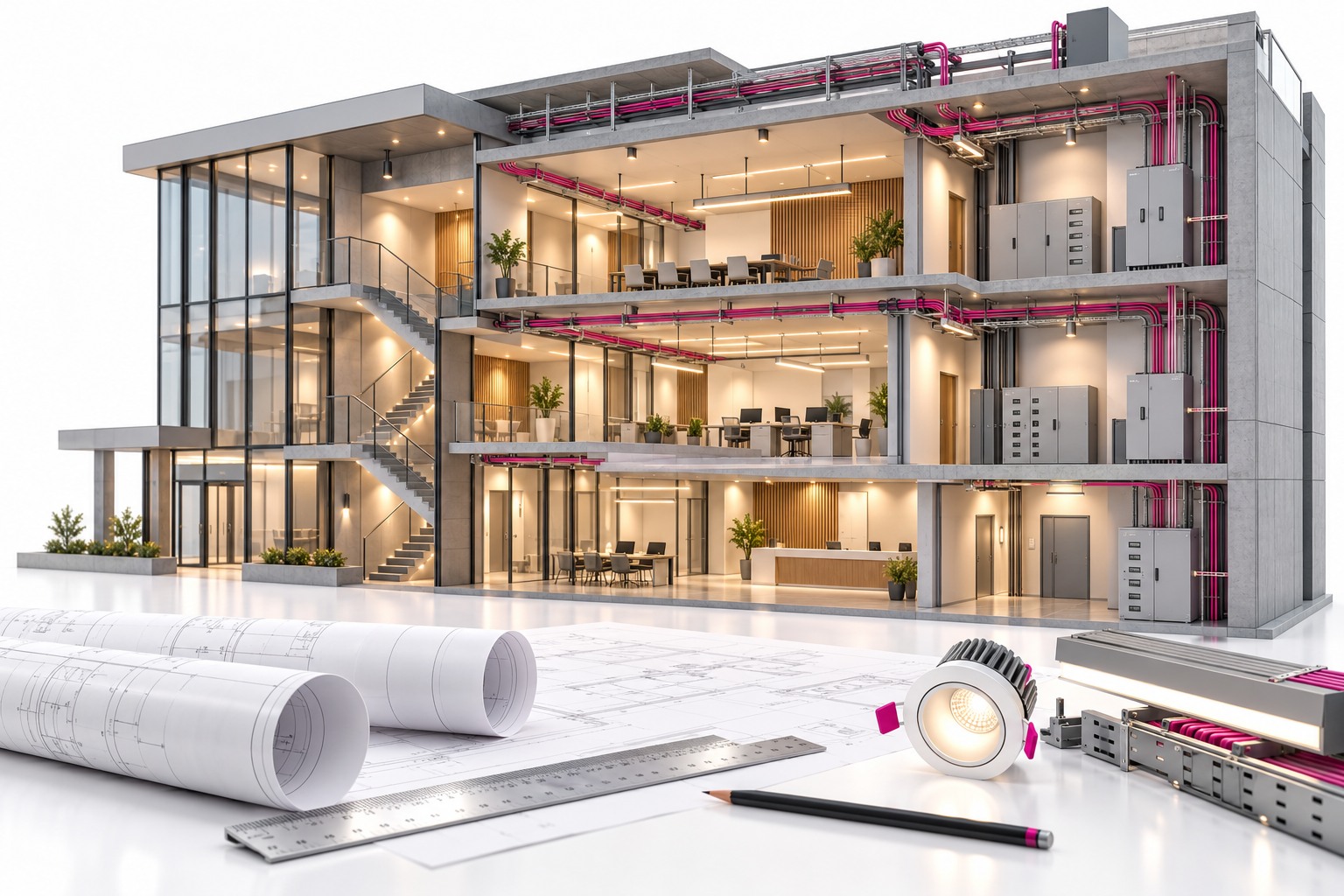
01INTERNATIONAL PROJECT
Residential building
An electrical BIM project for a residential building, based on international standards.
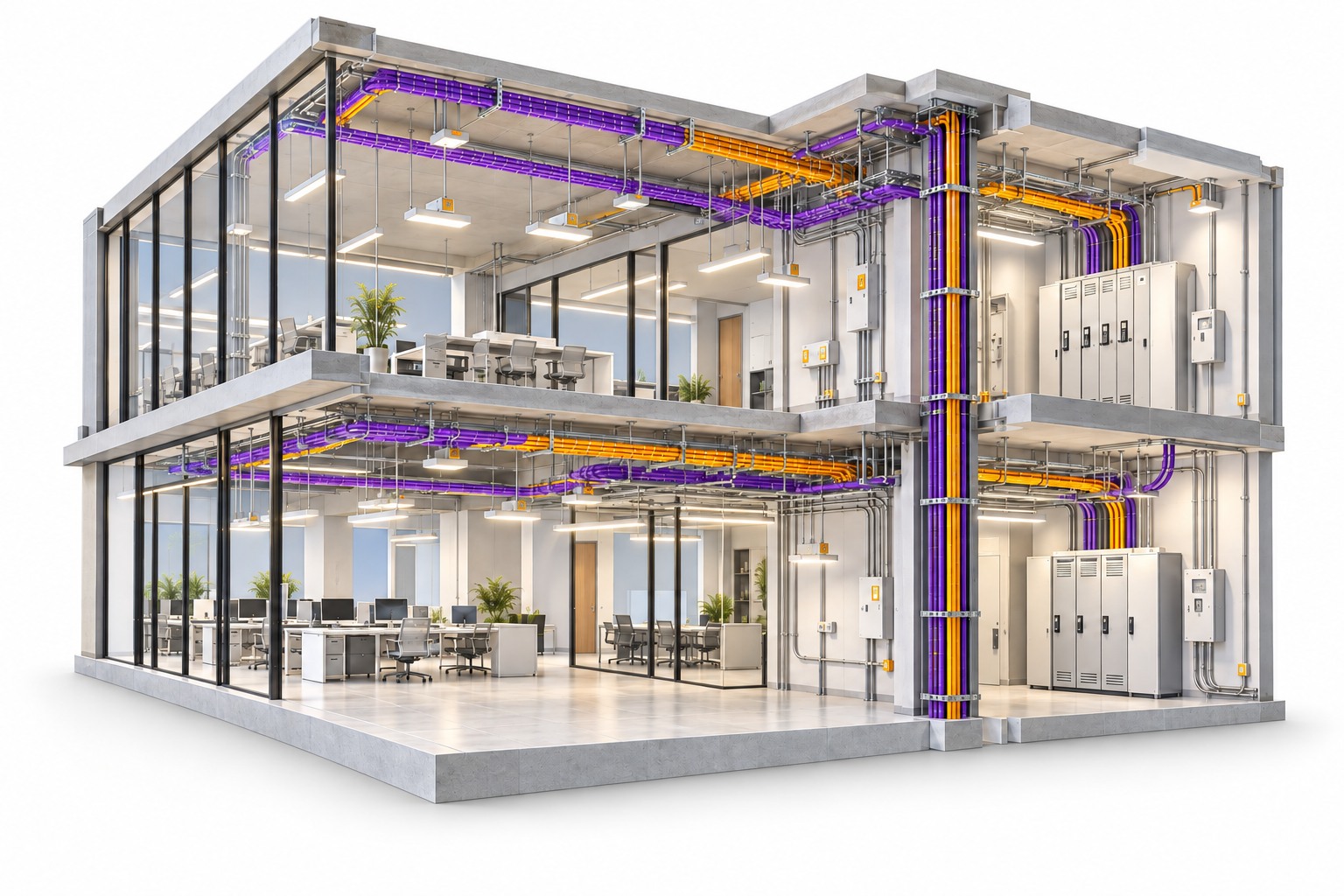
POWER · LIGHTING · PROTECTION · BIM
Electrical Designing & Electrical BIM Course
In-depth training in electrical design and electrical BIM: power distribution, lighting, circuit protection, load calculations and safety compliance. Learn Revit Electrical, Navisworks, AutoCAD and BIM 360 for 3D modelling, clash detection and BIM workflows on hands-on international projects.
Classroom · Online · Recorded · Revit 2024–2026 aligned · 3 free demo classes
3months
Course duration60+hours
Total training hours2global projects
US & UK standards2assessments
Families & 3D modelling
Revit Electrical3D electrical modelling

Navisworks ManageClash detection

AutoCADElectrical drawings
ReCap Pro & BIM 360Reality capture & cloud coordination
WHAT YOU’LL LEARN
Learn the electrical design behind a building, then build and coordinate it as a BIM model.
Load estimation & system design
Estimate electrical loads and design the protection behind them.
Lighting & power distribution
Design lighting systems inside and outside the building, and plan power distribution.
Electrical BIM training
Use Revit Electrical, AutoCAD, Navisworks, ReCap Pro and BIM 360 for electrical system design and coordination.
AssessmentsFamily creation, and 3D modelling from design inputs.
Clash detection & scan-to-BIM
Detect and resolve clashes with Navisworks Manage and BIM 360, and process laser scans with ReCap Pro.
HANDS-ON INTERNATIONAL PROJECTS
Work on residential and commercial buildings at LOD 300 and LOD 350.
01INTERNATIONAL PROJECT
An electrical BIM project for a residential building, based on international standards.
02INTERNATIONAL PROJECT
An electrical BIM project for a commercial building, based on international standards.
Complete 2 major assessments during the course: family creation, and 3D modelling from design inputs.
CERTIFICATION & CAREER BENEFITS
Finish with an Autodesk certification and a project completion certificate.
Present live projects and get evaluated by industry professionals.
Showcase your skills with real-world project work.
Personalised career coaching for BIM job interviews.
Connect with AEC firms and BIM recruiters for job opportunities.
Placement support does not guarantee employment. Selection depends on your skills, qualifications and employer requirements.
WHO CAN JOIN?
Eligibility: B.E. / M.E. / B.Tech / M.Tech / ITI / Diploma in Electrical Engineering.
The course runs for 3 months with 60+ hours of training. Recorded sessions are included and classes are taught in English and Malayalam. Try 3 free demo classes before you commit.
Talk through your goalsYOUR NEXT CHAPTER STARTS HERE
Try 3 free demo classes before you commit. Tell us your background and preferred learning mode, and we’ll share the next batch.
Practical learning. Recognised training relationships.