Give AI a clearer brief.
Describe your task, provide context and define the output you need. Learn what makes a useful BIM prompt.
Learn to ask better questions, check model information and explore smarter ways of working. Practical AI-assisted BIM learning is coming to BIM Cafe.
Planned launch: January 2027
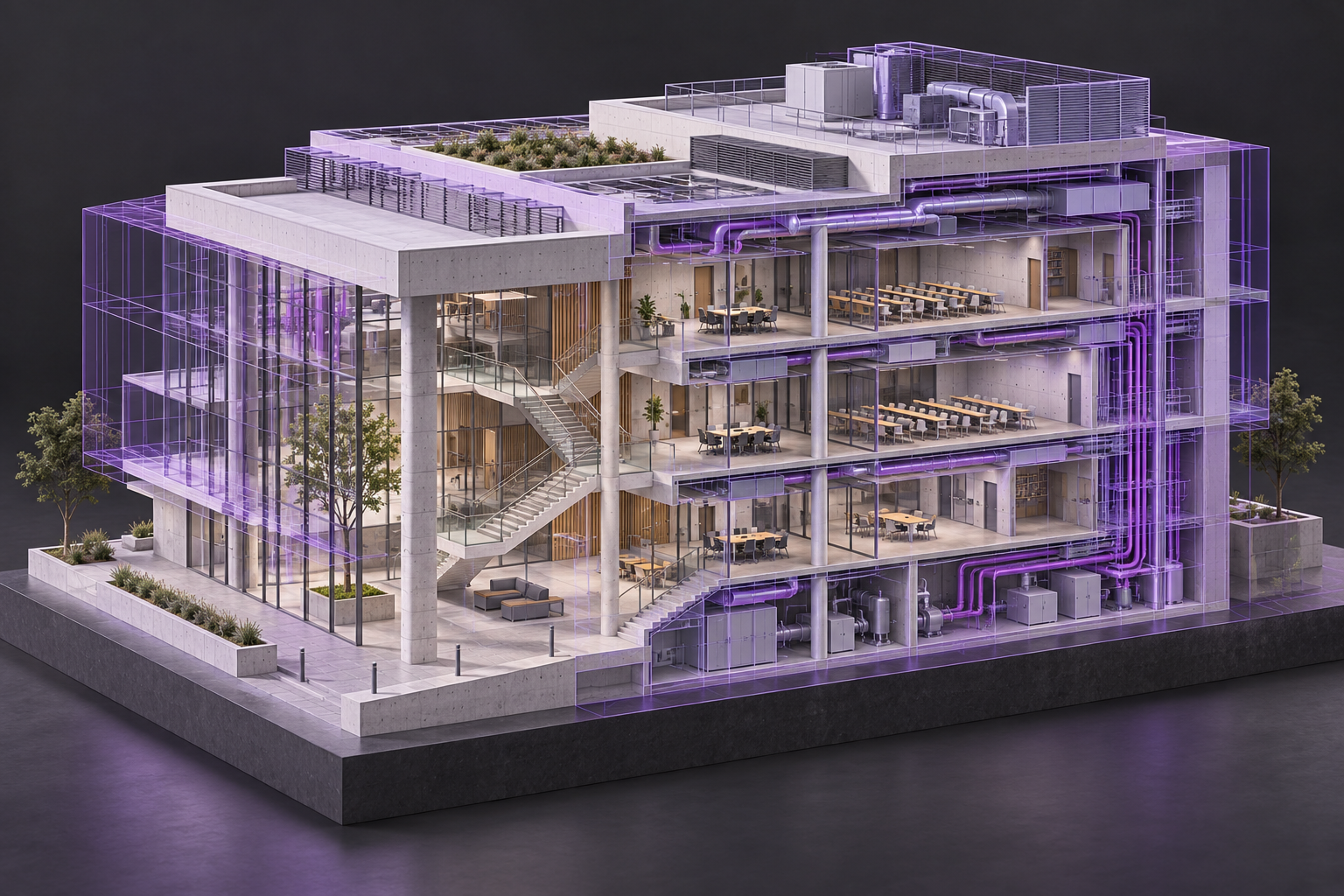
We’re developing a guided introduction that connects AI with the BIM tasks you’re learning—supported by clear instructions and careful checking.
Describe your task, provide context and define the output you need. Learn what makes a useful BIM prompt.
Spot assumptions, recognise missing information and verify AI responses against reliable project information.
Use a guided Revit schedule exercise to identify missing values and review the findings yourself.
Watch a faculty-tested demonstration of how AI can assist with a repetitive BIM task.
Imagine reviewing a door schedule. AI can help flag a missing value. You check the source information before deciding what to change.
Animated learning example · Sample door schedule
Start with the fundamentals, practise on a guided exercise and learn where human review belongs.
In development. Final content, delivery mode and eligible batches will be confirmed after faculty testing.
AI, automation and the role of the modeller.
Context, instructions, constraints and outputs.
Find assumptions and verify the information.
A guided schedule-checking exercise.
Automation demonstration and a learning check.
Further modules for Professional and Master BIM will be considered as workflows are developed and tested.
Not yet. We are developing and testing the introductory module, with a planned introduction in January 2027. Contact our team to express your interest and ask for launch updates.
The proposed introductory module focuses on prompting, verification and a guided model-data exercise. Advanced Python scripting is not part of this first four-hour module.
No. Understanding the model, its information and the required output remains essential. The module is being designed to support your BIM skills and help you judge AI-assisted results.
The planned first step is an introductory module within Essential BIM. A separate advanced programme has not yet been announced.
We are evaluating suitable tools and workflows. The final software requirements, access arrangements and syllabus will be shared before the module launches.
Let our team know you’re interested. Ask for updates on the introductory module, confirmed content and upcoming availability.