

REVIT ELECTRICAL · NAVISWORKS MANAGE

BIM Professional Course for Electrical Engineers

Turn electrical drawings into coordinated models.

Model lighting, power and cable routes from supplied electrical designs. Develop your project skills through two LOD 300 case studies, practical assessments and faculty review.

Explore fees, optional modules and upcoming batches. No payment required; submitting your details does not enrol you.

Revit foundations included · Online & offline classes

Revit 2027 · AI-assisted workflows

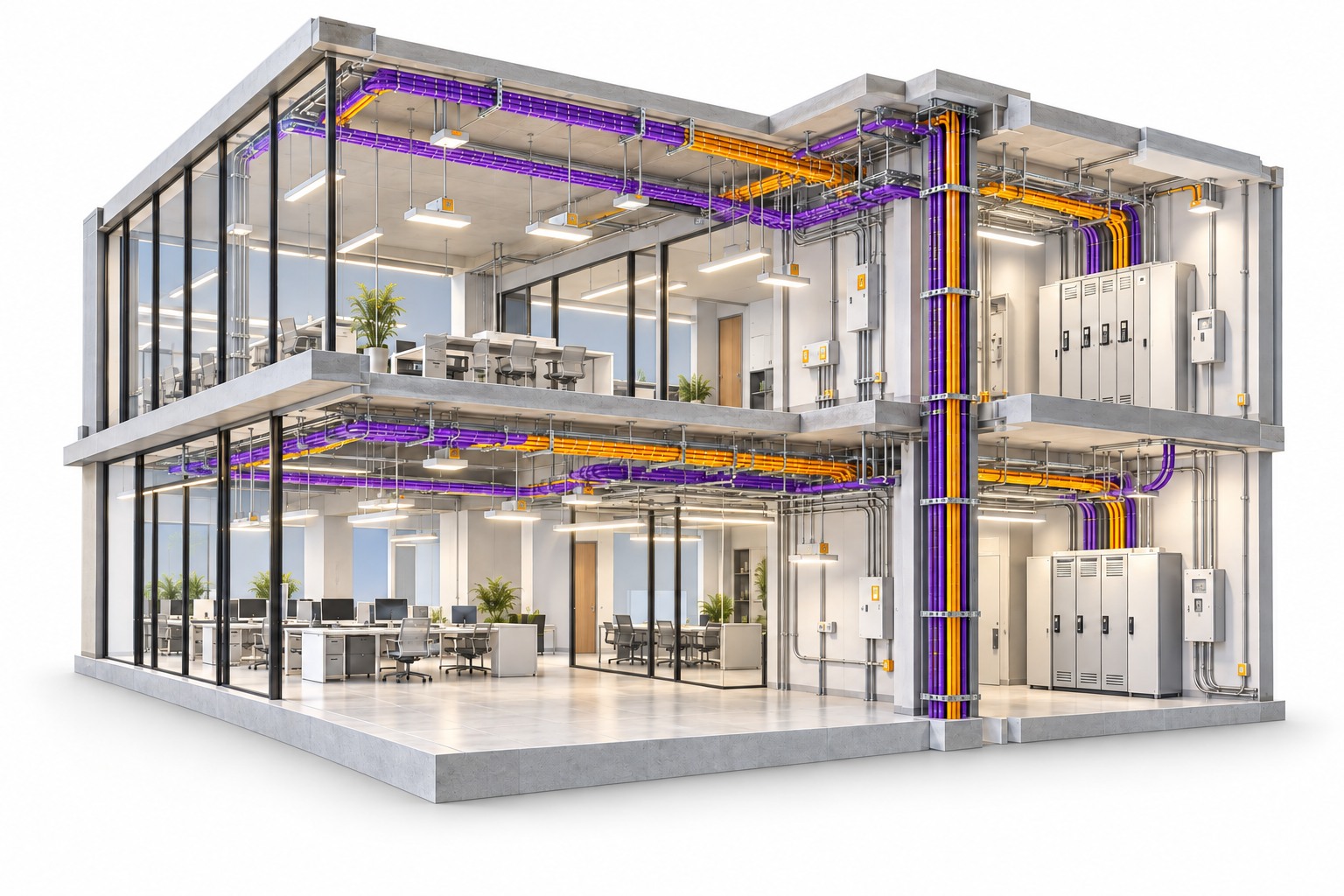
Conceptual electrical BIM cutaway showing lighting, purple conduits, cable trays and electrical equipment
Conceptual electrical BIM illustration

2months

Course duration

60+hours

Classes and project practice

2+ LOD 300 projects

US residential · UAE commercial

2+ assessments

Electrical family · 3D model

Revit ElectricalModelling and documentation

Navisworks ManageFederation and clash review

Cloud workflowsVersions, issues and collaboration

WHAT YOU’LL LEARN

Build the model and the information that makes it useful

Learn Revit Electrical with the project workflow in view: organise the inputs, develop the services, document the model and coordinate with supplied disciplines.

Set up

Give the electrical model a clear starting point

Use project inputs to establish linked references, model systems and view organisation.

  • BIM concepts, Revit foundations and project templates
  • Levels, units, worksets and basic worksharing
  • Supplied architectural and structural model links
  • Electrical settings, distribution systems and view filters

What you’ll practiseAn organised electrical project ready for the defined modelling tasks.

Model services

Connect lighting, power and containment

Develop the electrical services specified by the supplied design brief.

  • Lighting fixtures, receptacles and electrical equipment
  • Lighting and power circuits, panels and circuit numbering
  • Panel schedules and supplied load information
  • Conduits, cable trays, routing and connection checks

What you’ll practiseElectrical models with connected services and reviewed system information.

Document

Make model information easy to review

Prepare the drawings, schedules and issue files required for a project submission.

  • Plans, sections, details, dimensions and tags
  • Sheets, title blocks, revisions and drawing issue
  • Schedules, material take-offs and model quantities
  • CAD output and NWC export for coordination

What you’ll practiseA checked drawing set, schedules and coordination exports.

Families and practice

Create components and demonstrate your skills

Use two practical assessments to apply the Revit lessons before completing the international training projects.

  • Lighting families and panel-family basics
  • Parameters, geometry and electrical connectors
  • Assessment 1: an assigned electrical family
  • Assessment 2: a 3D electrical model from design inputs

What you’ll practiseTwo reviewed assessments, separate from the two included LOD 300 projects.

Revit 2027 & AI-assisted practice

Explore supported Autodesk Assistant workflows with faculty guidance, then check the model and documentation yourself. Tech Preview features depend on availability.

LEARN THROUGH PROJECTS

Two building types to broaden your project practice

Both projects develop defined electrical elements at LOD 300. Work from supplied electrical designs and matching architectural, structural and service references.

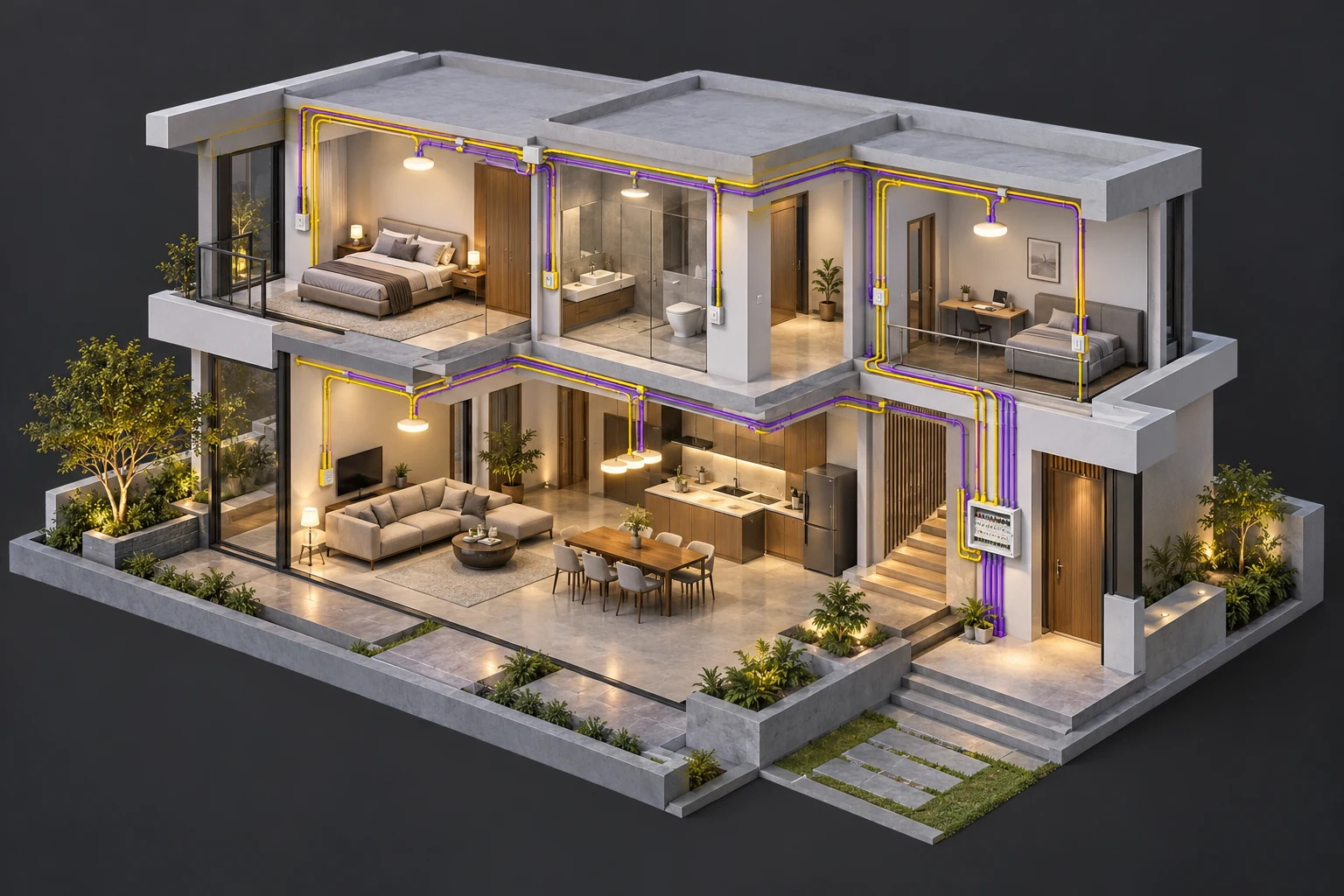
Illustrative residential electrical BIM model with lighting and wiring layouts01

PROJECT 01 · US · LOD 300

Residential Electrical BIM

Develop lighting and power layouts within a residential training case study.

  • Model circuits, conduits and relevant ELV within the brief
  • Prepare panel and lighting-fixture schedules
  • Review interfaces and submit the corrected model and drawings
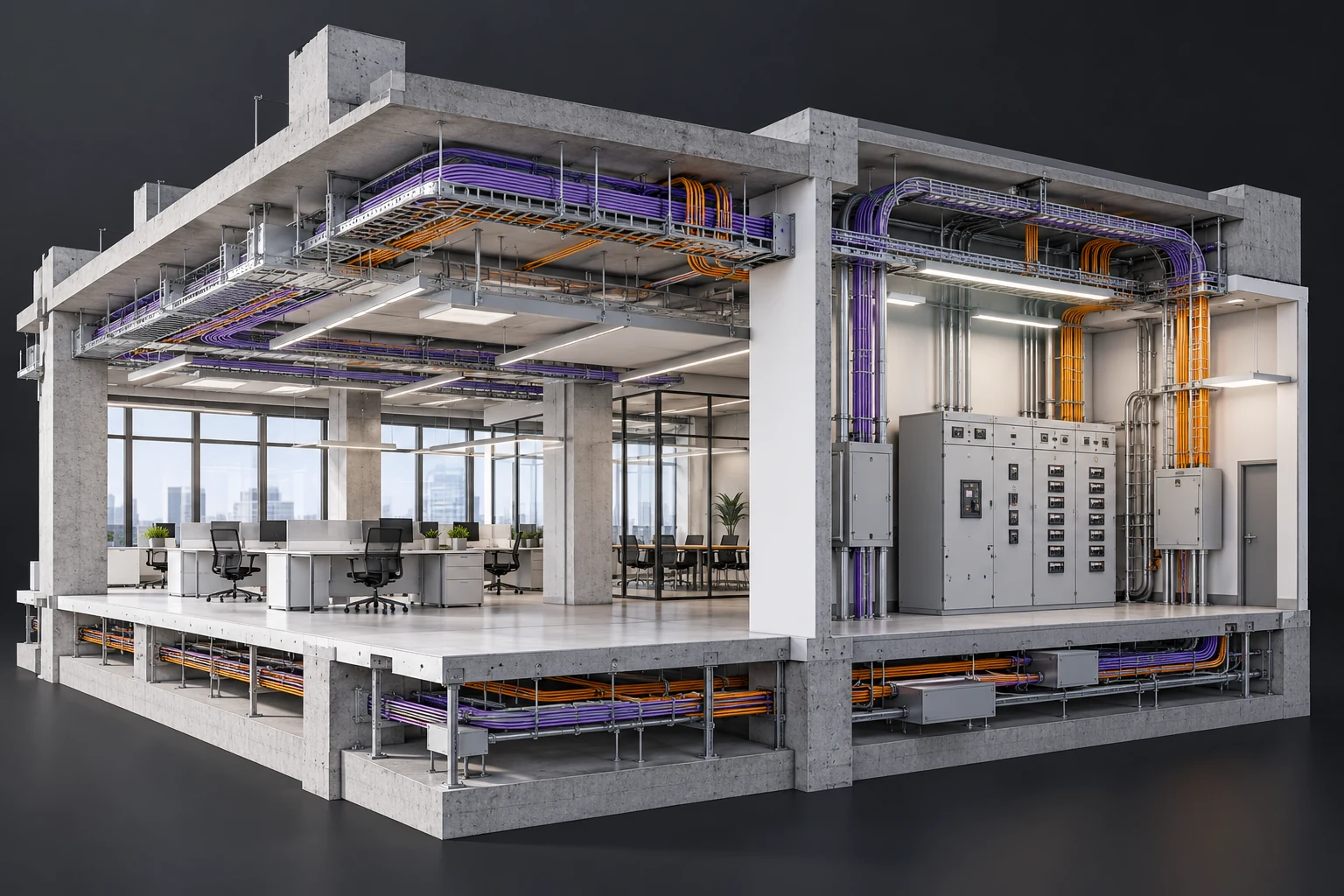
Illustrative commercial electrical BIM model with cable trays and distribution systems02

PROJECT 02 · UAE · LOD 300

Commercial Electrical BIM

Work through containment, circuits and documentation in a larger or more involved commercial brief.

  • Develop the assigned electrical systems and cable routes
  • Generate schedules, shop drawings and coordination records
  • Apply faculty comments and submit a reviewed project package

Project visuals are illustrative. Use approved training outputs in your portfolio and identify your contribution. LOD 350 concepts are introduced; both included projects are LOD 300.

A WORKFLOW YOU CAN REPEAT

Make clashes clear and corrections traceable

Combine your electrical model with supplied architecture, structure, HVAC, plumbing and fire models. This multidisciplinary coordination is included in the main course.

  1. 01

    Federate

    Combine discipline exports in Navisworks Manage.

  2. 02

    Check

    Run suitable hard or clearance tests with agreed tolerances.

  3. 03

    Communicate

    Group issues and show the affected elements in viewpoints.

  4. 04

    Resolve

    Correct in Revit, update the export and recheck the tests.

+

Cloud Collaboration & Document Management

Included introductions cover BIM 360 / Autodesk Forma Data Management (formerly Autodesk Docs), version control, markups, issues and team reviews. A separate three-hour option is available for extra practice.

BEYOND SOFTWARE COMMANDS

Be ready to talk through your electrical project

Develop your portfolio and interview confidence with preparation and placement assistance included in the main program.

01 /

Mock interviews

Practise real interview scenarios with technical feedback.

02 /

80 BIM questions

Prepare with the included must-know BIM questions PDF.

03 /

CV and portfolio

Select reviewed models, sheets, schedules and coordination examples.

04 /

Communication and placement

Practise AEC English and receive preparation and application assistance.

Placement support does not guarantee employment, salary or overseas work. Employers select candidates based on their requirements and demonstrated skills.

IS THIS FOR YOU?

Build on your electrical background

For electrical students, graduates, diploma holders and working electrical, site or MEP engineers moving into BIM.

  • Revit foundations are included
  • Basic electrical knowledge helps you interpret project inputs
  • Engineering-design calculations are covered in the separate Design course
YOUR LEARNING EXPERIENCE

Learn online or in the classroom

The program runs for 2 months with 60+ hours including classes and project practice. Confirm your batch timetable, software access and completion requirements with admissions.

Talk through your goals

SHAPE YOUR NEXT STEP

Choose the skills
that support your goal

These optional pathways are separate from the main course. Ask an advisor which additions suit your background and career plans.

Mechanical BIM disciplines+

Choose HVAC LOD 300, plumbing LOD 300 or fire LOD 200 modelling, or the complete Mechanical BIM course with all three projects and Navisworks coordination.

Electrical Design+

Add engineering-design training and calculations through the separate Electrical Design course. AutoCAD is included.

Mechanical Design+

Add HVAC, plumbing and fire engineering design. AutoCAD is included in this separate course.

AutoCAD drafting+

Choose additional electrical drafting and layout training if you are not selecting a Design course that already includes it.

Additional cloud practice+

A separate 3-hour session adds practice in sharing files, versions and issues. Cloud basics are already included in the main program.

BEFORE YOU BEGIN

A little clarity
goes a long way

Questions about your next step? Our team can help you choose the right starting point.

How many projects and assessments are included?+

There are two LOD 300 electrical projects: a US residential case study and a UAE commercial case study. Two Revit assessments, an electrical family and a 3D model, are separate from those projects.

Will I create mechanical models too?+

You coordinate against supplied HVAC, plumbing and fire models in the main course. Creating those disciplines is taught through optional Mechanical BIM training.

Is Electrical Design included?+

The BIM program models services from supplied electrical designs. Independent engineering-design calculations belong to the optional Electrical Design course.

Are the quantities a complete priced estimate?+

The course covers model quantities and schedules. Quantities must be checked against the scope and measurement rules; pricing needs separate rates and inputs.

Does this include an external internship?+

The program includes guided industry-based project training with reviews and corrections. An external internship is not included.

YOUR NEXT CHAPTER STARTS HERE

Explore Electrical BIM in a free demo

Tell us about your electrical background and preferred batch. Our advisor will help you plan your next step.

AUTODESK PARTNER

Practical learning. Recognised training relationships.

YOUR COURSE GUIDE

Download the Brochure

A few details, then explore your options.

Document Preview

Open Full PDF ↗Download PDF ↓