 LOD 200 FOCUS01 / MODEL
FOUNDATION MODELLING
Start with a
residential model.
Use supplied drawings to build a small residential model, set up views and produce selected sheets and schedules.
BIM FASTTRACK · INDIVIDUAL TRAINING
Your time is limited.
Your learning gets full attention.
Work one-to-one with dedicated faculty. Learn, practise, correct and build reviewed project work in a focused month.
Explore fees, optional modules and upcoming batches. No payment required; submitting your details does not enrol you.
At the centre · 9:30 AM–5:30 PM · Dedicated faculty
Revit 2027 · AI-assisted workflows
Your agreed training window
Dedicated faculty at the centre
2 modelling + 1 coordination
Practical assessment & review
YOUR INCLUDED
SOFTWARE TOOLKIT

Autodesk RevitArchitecture & Structure

Navisworks ManageModel review & clashes

Forma Data ManagementDocuments & collaboration
FOCUSED ON PRACTICAL PROJECT WORK
Your initial assessment sets the priorities.
Explore the topics in your complete program.
Set up Revit projects, read drawings and model essential architecture and structural elements. Your skill assessment guides pace and emphasis.
Project setupTemplates, units, levels, grids & links
ArchitectureWalls, doors, floors, roofs & stairs
StructureSelected columns, beams, slabs & foundations
Create views and drawing sheets, edit basic families and work with type and instance parameters. Use feedback to improve model and drawing consistency.
Drawing productionPlans, sections, elevations & sheets
Schedules & quantitiesModel information and material lists
Submission checksAnnotations, exports & organised files
Combine supplied architectural, structural and MEP models in Navisworks Manage. Run basic clash tests, capture viewpoints and report selected issues.
Combined review modelExport and organise discipline models
Clash reviewTests, grouped results & viewpoints
Coordination reportExplain issues and review their status
Use Autodesk Forma Data Management for essential document and collaboration workflows, with ACC / BIM 360 awareness.
Documents & versionsOrganise, upload and review revisions
Markups & issuesRecord and communicate project information
Project standardsNaming, folders, BEP & introductory ISO 19650
Apply daily corrections, organise reviewed outputs and prepare for a final practical review. Build a portfolio you can talk through confidently.
Reviewed outputsModels, drawings, schedules & reports
Portfolio preparationSelect and explain your project work
Final practical reviewDemonstrate skills and document workflow
Explore introductory BIM Execution Plans, ISO 19650, Revit worksharing, model checks and LOD 200/300/350 element requirements.
Cloud Collaboration & Document Management (BIM 360 / Autodesk Forma Data Management) (formerly Autodesk Docs) is included. Structural modelling follows supplied engineering designs, and MEP models are supplied for review. Structural engineering design and full MEP authoring are outside this program.
Explore supported Autodesk Assistant workflows with faculty guidance, then check the model and documentation yourself. Tech Preview features depend on availability.
PUT YOUR LEARNING TO WORK
Practise with industry project inputs,
adapted for training and faculty review.
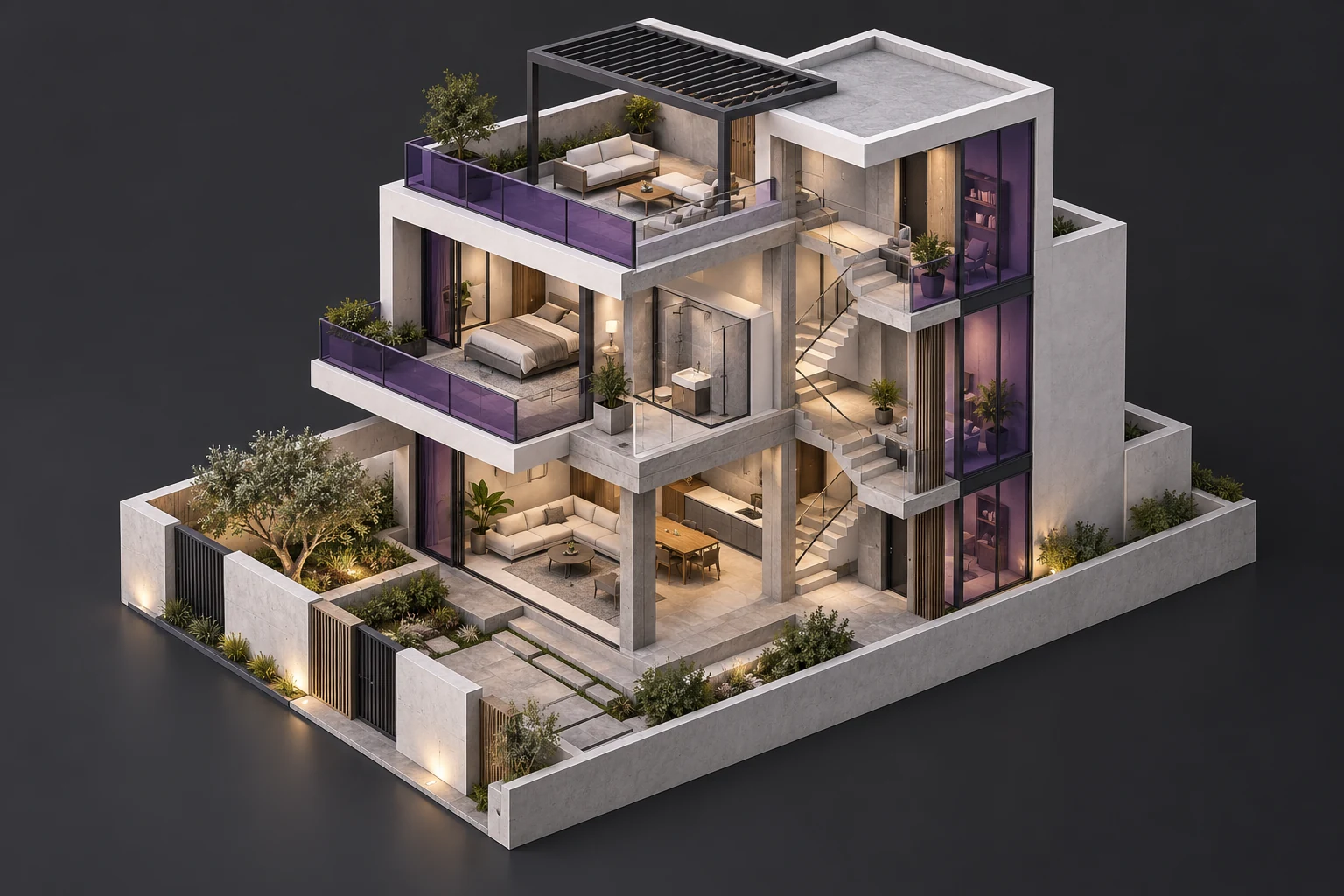
LOD 200 FOCUS01 / MODELFOUNDATION MODELLING
Use supplied drawings to build a small residential model, set up views and produce selected sheets and schedules.
 LOD 300 ELEMENTS02 / DEVELOP
MAIN MODELLING & DOCUMENTATION
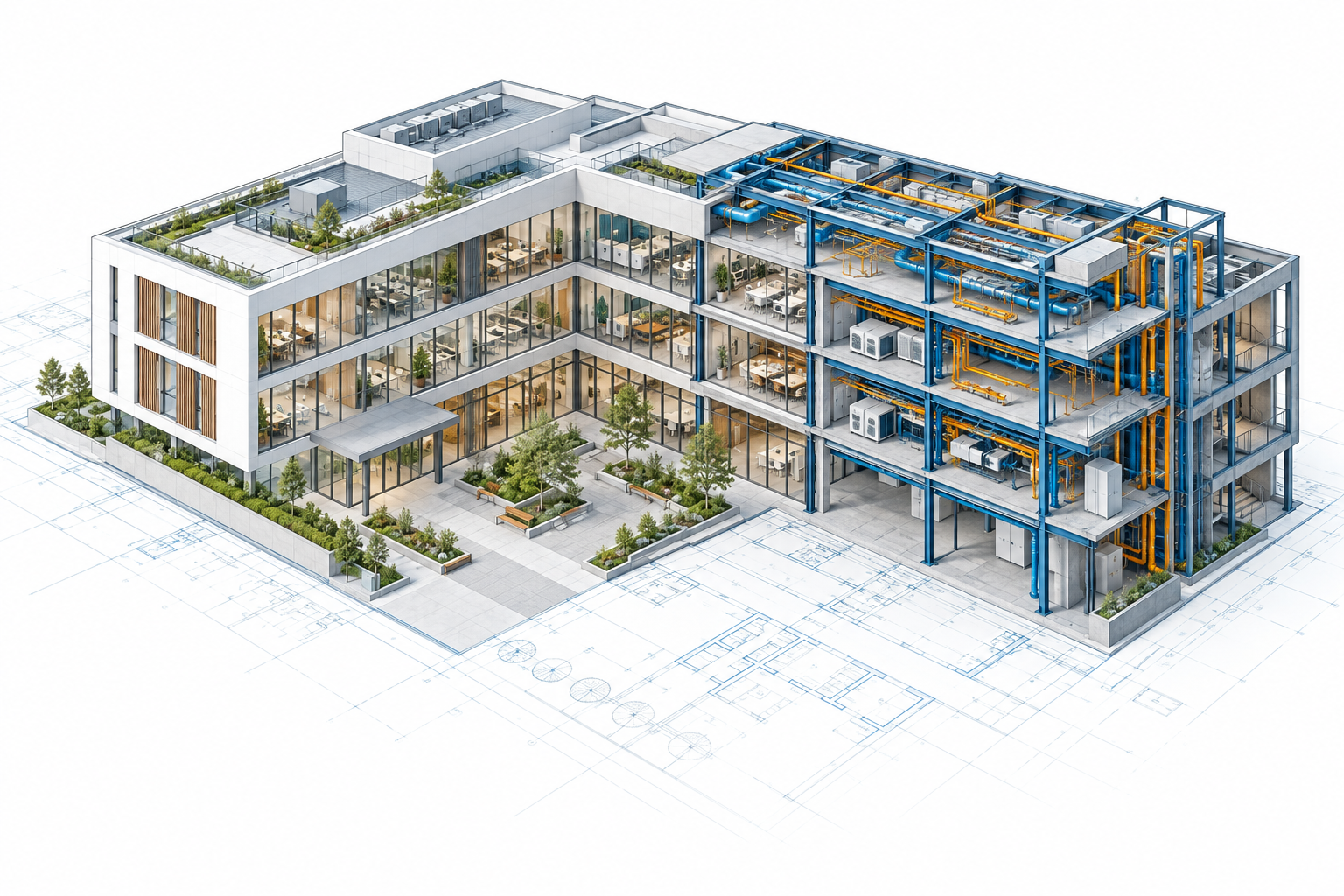
Model from architectural and structural inputs, including selected structural elements. Prepare drawings, quantities and model checks.
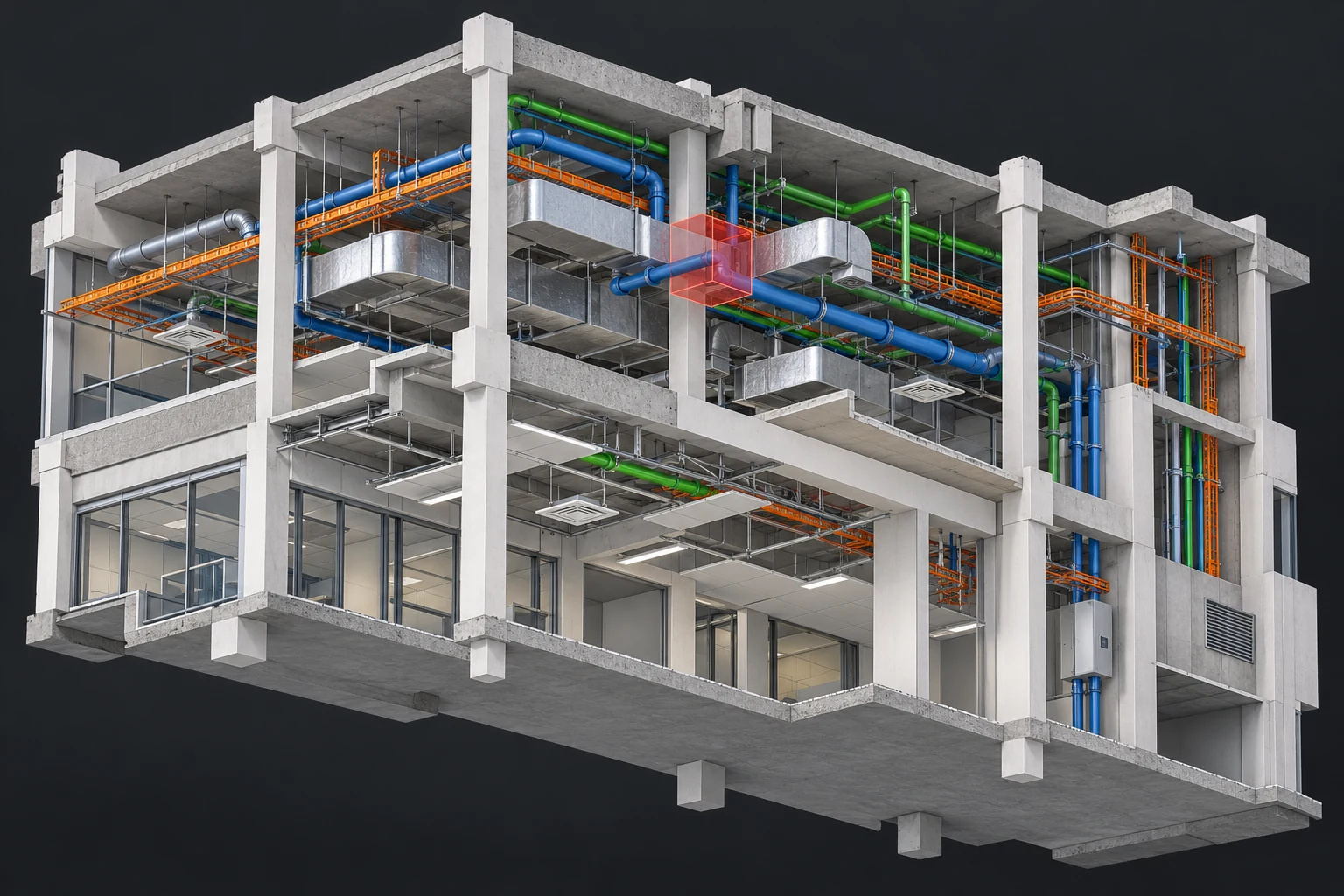 LOD 350 AWARENESS03 / REVIEW
SUPPLIED-MODEL COORDINATION
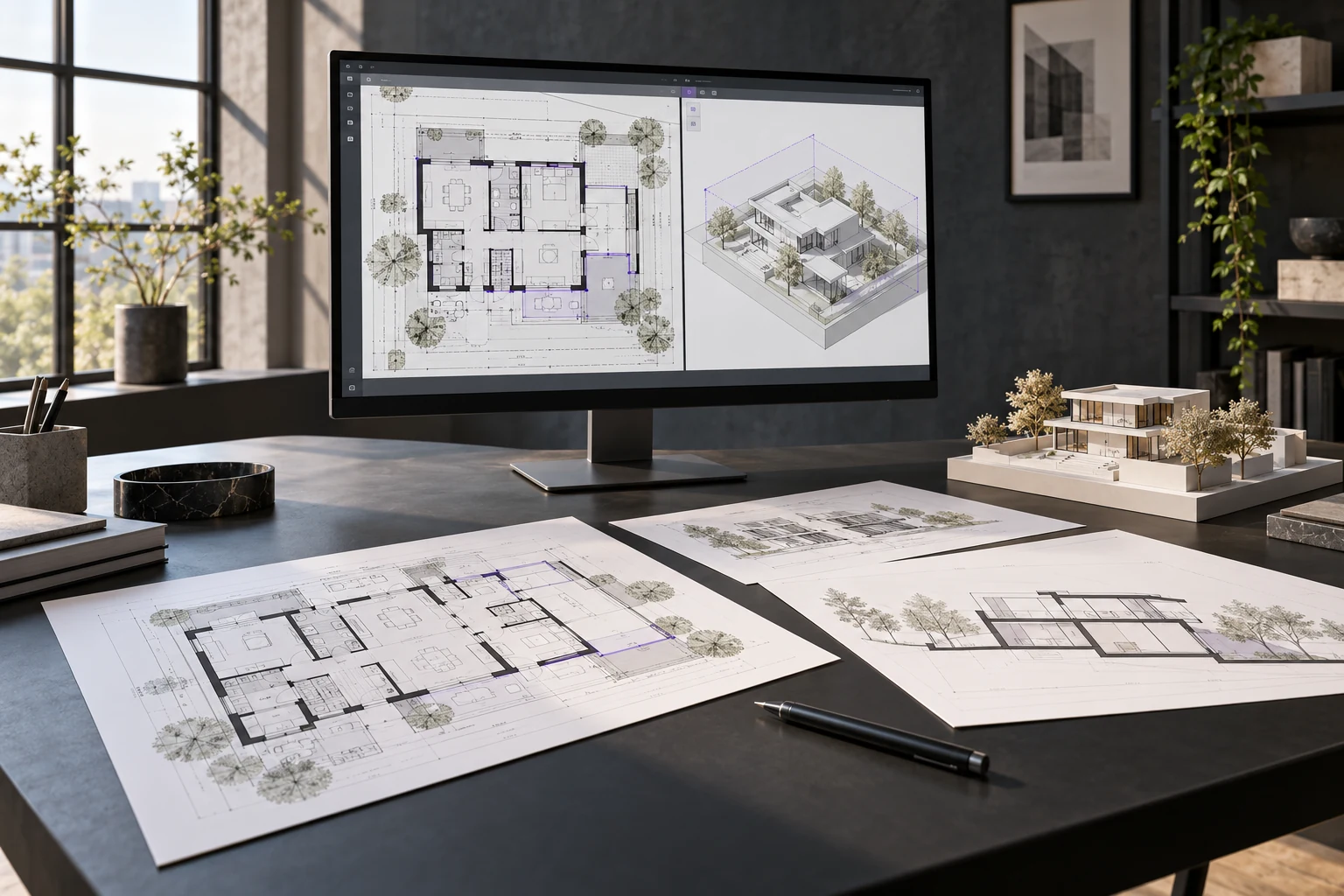
Combine supplied architecture, structure and MEP models. Save viewpoints, prepare a clash report and explain coordination decisions.
You author 2 models. Activity 3 reviews supplied models.
Illustrative visuals. Project areas and outputs are agreed before enrolment.FROM PRACTICE TO PORTFOLIO
An initial skill assessment sets your starting point. 5+ practical checkpoints then review your progress and final work.
Present a Revit model, drawing PDFs, schedules, Navisworks viewpoints and a clash report.
Check templates, levels, grids and reference alignment.
Review the foundation residential assignment and its model outputs.
Review structural elements, drawings, schedules and project corrections.
Review the combined model, saved viewpoints and clash report.
Present your portfolio, explain the model and demonstrate document workflows.
YOUR NEXT STEP MATTERS
For professionals with limited time,
supported by focused practice and daily feedback.
Organise reviewed project work and present your skills clearly in your CV and portfolio.
Prepare for questions about BIM concepts, software workflows and your project decisions.
Practise explaining your own models, decisions, checks and corrections.
Receive referral guidance based on applicable opportunities.
Practise a clear project query, issue update and coordination discussion.
Placement assistance does not guarantee employment. Selection depends on candidate performance and employer requirements.
FULL-DAY · AT THE CENTRE · DEDICATED FACULTY
Individual teaching, supervised practice, project work and daily corrections.
Your written plan confirms actual training days, weekly holidays, start/end dates and total learning hours before enrolment.
A LEARNING PLAN THAT FITS YOUR STARTING POINT
Start with a skill assessment and
two free demo classes.
Share your background, available dates and learning goals.
Complete the initial skill assessment to set priorities.
Confirm scope, scheduled days, hours and project outputs.
Confirm dedicated faculty availability and enrolment.
Professionals visiting India for approximately a month, CAD draftspeople, civil engineers and architects seeking upskilling. It also suits previous Revit learners returning after a gap or professionals unable to attend a four-month course. Admissions confirms suitability after reviewing your background.
Dedicated faculty, supervised practice, daily feedback, the listed software topics, three guided activities, 5+ assessment checkpoints, portfolio and career guidance, installation support and a BIM Cafe course-completion certificate upon successful assessment completion. There are no optional modules in this program.
Full-day attendance at the centre is required. Start dates depend on faculty availability. Confirm the centre, start/end dates, training days, weekly holidays and total scheduled learning hours in your written plan before arranging travel.
YOUR BACKGROUND → YOUR LEARNING PLAN → YOUR PROGRESS
Discuss your background, available dates and learning priorities. Experience two free demo classes before enrolment.
Practical learning. Recognised training relationships.