BIM Foundations
Understand the process.Project information, model requirements and the relationship between drawings, models and coordination.
COMPLETE BIM PATHWAY · PRE-RECORDED LESSONS
A complete recorded BIM fundamentals course for learners who cannot attend daily live classes. Build skills through 3+ international guided projects and 5+ practical assessments, with faculty support on WhatsApp and weekly live doubt-clearing sessions.
Explore fees, optional modules and upcoming batches. No payment required; submitting your details does not enrol you.
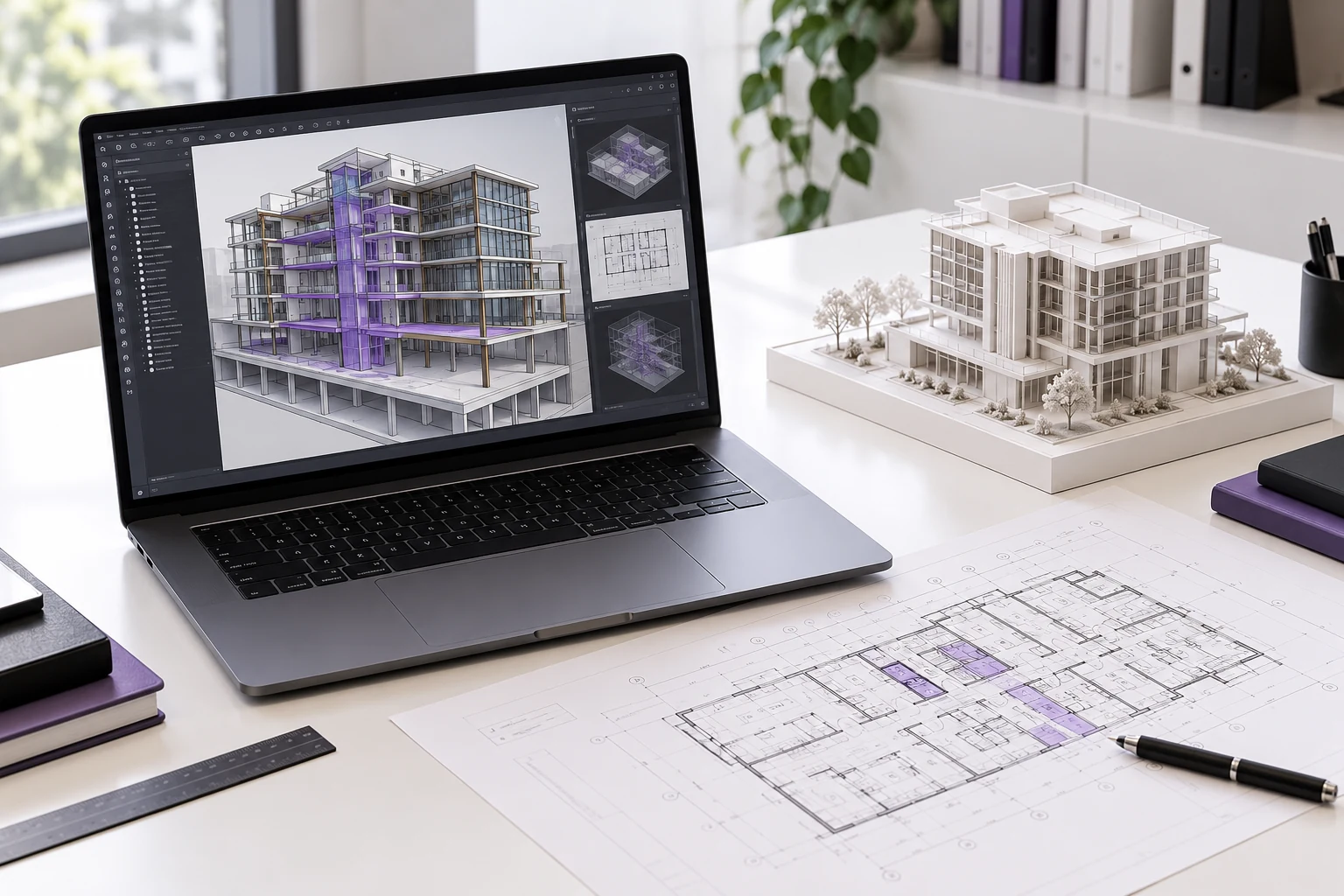
SOFTWARE IN THIS LEARNING PATH

AutoCADDrawing foundations

Autodesk RevitArchitecture & structure

Navisworks ManageModel coordination
ONE CONNECTED LEARNING PATH
Learn the applications and the BIM processes that connect them: modelling, project information, documentation and multidisciplinary review.
Project information, model requirements and the relationship between drawings, models and coordination.
Read CAD drawings and explore reality capture and point-cloud inputs before modelling.
Develop connected Revit models using supplied designs, levels, grids and building elements.
Use Navisworks Manage to review discipline models, record clashes and communicate issues.
Prepare sheets, schedules, quantities and shop-drawing outputs required by the project brief.
Review model quality, resolve feedback and present your project deliverables.
Explore BIM concepts alongside the tools, including introductions to project setup, BEP, ISO 19650, LOD, collaboration and digital twins.
LEARN THROUGH DOING
Work through international architectural and structural project briefs, including US feet-and-inches workflows and metric-based project information. Model, coordinate, document and review with faculty guidance.
Approved DDG BIM Services project inputs are adapted for educational work. Project briefs, model requirements and submission expectations are explained during the programme.
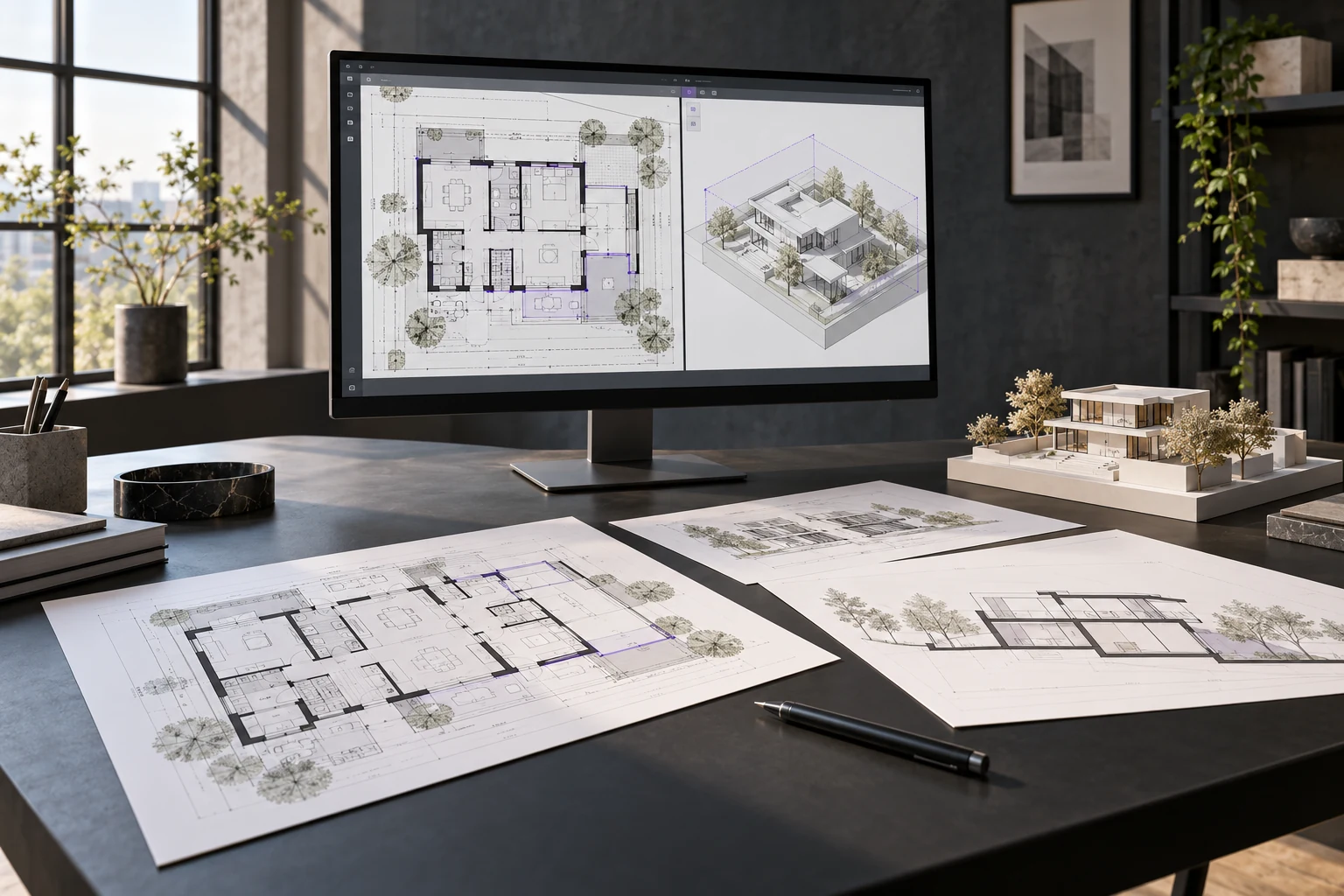
Set up the model and build the assigned architectural and structural scope from supplied information.
Prepare views, sheets, schedules, quantities and the documentation specified in your brief.
Work with supplied references, record clashes and communicate corrections and review findings.
FLEXIBILITY WITH A PLACE TO ASK
Recorded teaching lets you pause and practise. Scheduled live contact helps you understand your assignments and project briefs.
Follow your recorded lessons in Malayalam or English, replaying demonstrations as you work.
Share course questions with the faculty support team as you practise.
Discuss doubts and project briefs with faculty. Confirm the current weekly timetable when you enrol.
Develop your assignments and project outputs, then address the required reviews.
BUILD WORK YOU CAN EXPLAIN
Practise specific skills alongside the three projects and build evidence of your progress.
CHOOSE THE RIGHT FORMAT
Designed for civil engineers, students and beginners who want architectural and structural BIM learning around their other commitments. Working professionals can revisit lessons while developing practical outputs.
The main lessons are pre-recorded. Scheduled faculty support complements your independent practice; ask for the current live-session timetable before enrolling.
The complete BIM On Demand pathway is offered in Malayalam and English. Language availability for individual recorded AEC software courses is shown separately on those course listings.
Use the free-class request button to contact our team on WhatsApp. They will share the access arrangements so you can try the teaching before enrolling.
This On Demand offering is delivered through Google Classroom using your registered email address. It is separate from the individual recorded software courses on the BIM Cafe LMS.
AutoCAD, Revit Architecture, Revit Structure and Navisworks Manage, with 3+ guided projects and the assessments and faculty support described here. Ask about separate MEPF learning options if that is your focus.
Confirm the applicable access period, completion schedule and support arrangements with admissions. Access terms for a separate software course should not be assumed to apply to this programme.
Ask admissions about the current fee and payment arrangements. The existing On Demand offering provides a 50% initial payment option for selected courses, with access linked to the applicable plan.
A BIM Cafe Learning Hub completion certificate follows acceptance of the required submissions. Applicable Autodesk course completion certificates depend on programme eligibility and issuance requirements.
TRY THE TEACHING BEFORE YOU ENROL
Try the teaching before you enrol. Request access to the free introductory classes and ask about the full pathway.
Practical learning. Recognised training relationships.