Author: Devika R
December 30, 2025
10 min read
Work faster. Model smarter. Think like a BIM professional.
In professional BIM environments, productivity is not measured by how fast you click—it is measured by how efficiently you think, model, and coordinate. One of the simplest yet most powerful ways to improve that efficiency is through consistent use of Revit shortcut keys.
Shortcut keys are not beginner tricks or optional habits. In real-world BIM projects, they are a foundational skill used daily by experienced BIM professionals across architecture, structure, and MEP disciplines.
This guide explains why shortcut keys matter, how they affect BIM workflows, and which Revit shortcuts are truly essential in live project environments.
Is There Really Scope for Shortcut Keys in Revit & BIM?

Absolutely—and far more than most people realize.
In BIM, speed does not mean rushing. It means working with accuracy, consistency, and control under real project pressure.
In actual BIM projects, professionals spend significant time:
- Creating and modifying complex models
- Coordinating between ARC, STR, and MEP disciplines
- Revising models based on consultant and client feedback
- Working within tight deadlines and strict quality standards
In this environment, relying heavily on mouse-based workflows introduces friction. Repeated cursor movements, searching through menus, and breaking modeling rhythm all slow down productivity.
At BIM Cafe, one of the first habits students are trained to develop is:
Using Revit shortcut keys as a natural part of daily BIM workflow
Because in BIM projects, small time savings repeated hundreds of times a day compound into massive productivity gains.
Why Shortcut Keys Matter in BIM (Not Just Revit)

Shortcut keys are often misunderstood as simple speed tools. In reality, they directly influence the quality and reliability of BIM workflows.
Consistent shortcut usage improves:
- Modeling efficiency and rhythm
- Coordination accuracy during revisions
- Reduced physical and mental fatigue
- Stronger focus on design and construction logic
- Professional-level workflow habits
In large BIM projects, professionals who actively use shortcut keys tend to:
- Complete modeling tasks faster
- Make fewer coordination and documentation errors
- Adapt more easily to late-stage changes
- Perform better during real-time coordination meetings
This is why shortcut mastery is a core BIM skill, not an optional enhancement.
Top 25 Essential Revit Shortcut Keys (Industry-Focused)

The following Revit shortcut keys are among the most commonly used in real BIM projects, across architectural, structural, and MEP workflows.
These shortcuts support faster modeling, cleaner geometry, and smoother coordination.
Modeling & Editing Essentials
| WA | Wall | Rapid architectural wall modeling |
| DR | Door | Frequent architectural insertion |
| WN | Window | Core architectural workflow |
| CS | Create Similar | Saves time when repeating elements |
| MV | Move | Daily editing and coordination |
| CO | Copy | Fast duplication of elements |
| AL | Align | Precision-based modeling |
| TR | Trim / Extend | Clean and accurate geometry |
| RO | Rotate | Orientation control during edits |
| OF | Offset | Parallel modeling for walls, ducts, and pipes |
| WA | Wall | Rapid architectural wall modeling |
These shortcuts form the backbone of day-to-day modeling in live project environments.
View, Navigation & Control
| Shortcut | Command | Why It Matters |
| VV / VG | Visibility Graphics | Control views instantly |
| WT | Thin Lines | Clean detailing |
| ZE | Zoom Extents | Reset view quickly |
| ZA | Zoom All | Full model visibility |
| TL | Temporary Hide/Isolate | Coordination clarity |
BIM Workflow & Coordination
| Shortcut | Command | Why It Matters |
| GR | Group | Manage repeated elements |
| LG | Load Group | Reuse standardized content |
| UN | Unpin | Modify locked elements |
| PN | Pin | Protect critical elements |
| DL | Delete | Quick cleanup |
| DI | Dimension | Documentation speed |
| SB | Split Element | Modify walls/ducts/pipes |
| HI | Hide Element | Focus during coordination |
Shortcut Keys = BIM Thinking
| Shortcut | Command | Why It Matters |
| VV / VG | Visibility Graphics | Immediate control over view settings |
| WT | Thin Lines | Clean detailing and clarity |
| ZE | Zoom Extents | Reset view instantly |
| ZA | Zoom All | Full model visibility |
| TL | Temporary Hide/Isolate | Focus during coordination |
Efficient view control is critical during coordination, detailing, and clash resolution.
Shortcut keys do more than increase speed—they reshape how you think while modeling.
When shortcuts become second nature:
- You stop searching for commands
- You focus on geometry and constructability
- You think in terms of coordination logic
- You make better modeling decisions
This shift is what separates software users from BIM professionals.
BIM is not about knowing where buttons are. It is about maintaining flow while managing complexity.
How BIM Cafe Trains Shortcut-Based BIM Workflows

At BIM Cafe Learning Hub, shortcuts are not taught as isolated commands. They are integrated directly into real project training.
Students:
- Use shortcuts while working on LOD-based live projects
- Apply them across ARC, STR, and MEP models
- Practice them during Navisworks coordination sessions
- Develop productivity habits expected in professional BIM teams
This approach reflects how BIM is practiced in the industry—not how software manuals present it.
How to Practice Shortcut Keys the Right Way
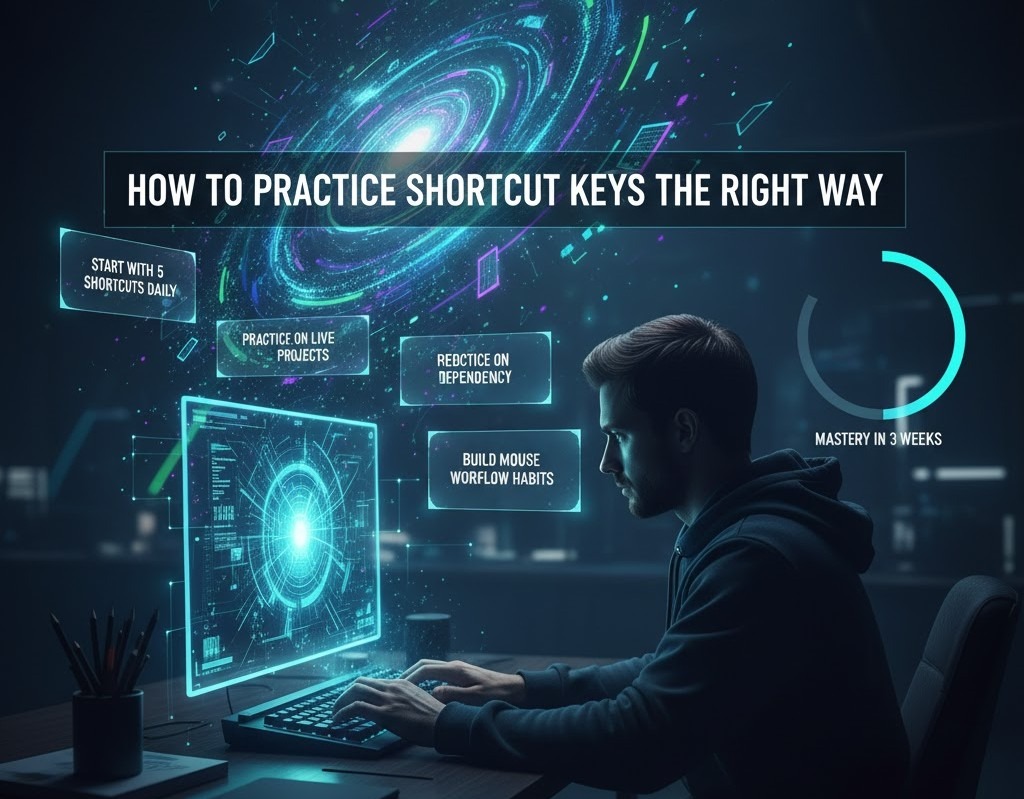
Shortcut mastery does not require memorizing everything at once. Effective learning happens through structured, intentional practice.
A proven approach:
- Start with 5 shortcuts per day
- Use them consciously in every model
- Gradually reduce mouse dependency
- Practice inside real project files
- Combine shortcuts with workflow understanding
Within two to three weeks, most professionals notice a clear improvement in modeling speed and confidence.
Final Thoughts
Shortcut keys do not replace BIM knowledge—they unlock it.
In professional BIM environments, technical understanding alone is not enough. What truly differentiates high-performing BIM professionals is how efficiently they apply that knowledge under real project conditions. Shortcut mastery enables smoother workflows, faster execution, and better decision-making—especially when projects become complex and time-sensitive.
In real BIM careers:
- Speed matters, because deadlines are non-negotiable
- Accuracy matters, because even small modeling errors can cascade into coordination issues
- Workflow habits matter, because consistent processes reduce rework and improve collaboration
Shortcut keys support all three. They help professionals maintain modeling flow, reduce cognitive load, and stay focused on coordination logic rather than software navigation. Over time, this leads to cleaner models, fewer errors, and stronger confidence during reviews and coordination meetings.
Shortcut mastery is also one of the lowest-effort, highest-impact improvements a BIM professional can make. Unlike learning an entirely new tool or workflow, shortcuts integrate seamlessly into daily work and deliver measurable productivity gains almost immediately.
At BIM Cafe, the focus is not simply on teaching Revit commands. The emphasis is on building industry-ready habits—the same habits used by experienced BIM teams working on live projects. The objective is to help professionals think, model, and coordinate the way the industry expects, not just the way the software allows.
If you want to build real-world BIM speed, accuracy, and workflow confidence, explore how BIM Cafe’s project-based training helps professionals develop industry-ready Revit habits.