Autodesk & project
certificates
Autodesk Certification and a Project Completion Certificate verifying proficiency in leading visualisation tools.
Model. Light. Render.
Present with confidence.
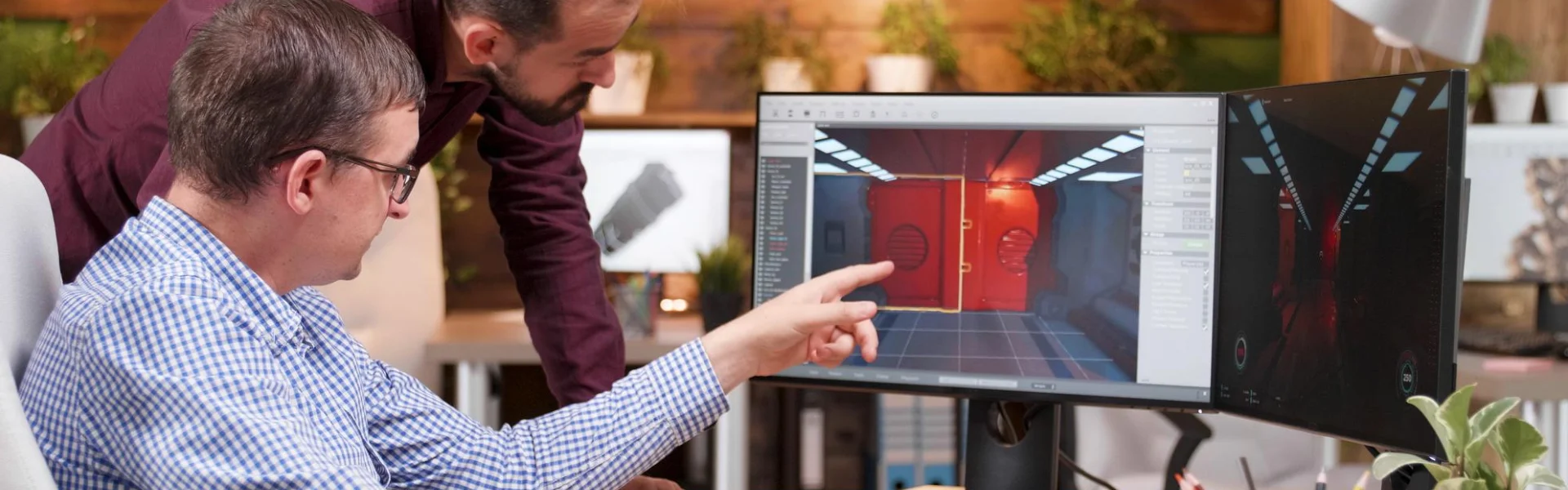
A specialised programme for architecture, interior design and visualisation professionals. Produce high-quality 3D models, realistic materials, immersive animations and photorealistic renders.
Classroom | Online | Recorded · Next course: November 4, 2026
2 months training + 1 month project phase
Training hours
Classroom, online & recorded
English & Malayalam
YOUR INCLUDED
SOFTWARE & TOOLS





COURSE OVERVIEW
Learn 3ds Max, SketchUp, V-Ray, Corona Renderer, Lumion and Twinmotion through real-world workflows.
Develop precise 3D models of buildings and interiors in 3ds Max and SketchUp, ready for materials, lighting and rendering.
3ds MaxPrecision 3D modelling
SketchUpArchitectural and interior models
Work with daylight systems, artificial lighting and advanced material workflows to create believable scenes.
Daylight systemsNatural light and sun settings
Artificial lightingInterior and night scenes
Advanced materialsRealistic material workflows
Use V-Ray and Corona Renderer to turn your models into high-quality, photorealistic images.
V-RayFor 3ds Max and SketchUp
Corona RendererPhotorealistic stills
PhotoshopImage finishing
Create 360° panoramas, walkthroughs, immersive animations and real-time presentations for clients with Lumion and Twinmotion.
360° panoramasImmersive views for clients
Walkthroughs & animationsLumion and Twinmotion
Real-time presentationsInteractive client reviews
The final month is dedicated to portfolio creation through real project scenarios, so your work is client-ready and competition-worthy.
Final rendersIndustry-standard stills
AnimationsWalkthroughs and sequences
Interactive presentationsReady for professional use
FROM PRACTICE TO PORTFOLIO
The project phase produces industry-standard renders and animations for your professional portfolio.
Final renders, animations and interactive presentations for professional use.
A dedicated project phase producing industry-standard renders and animations.
Daylight systems, artificial lighting and advanced material workflows.
Create 360° panoramas, walkthroughs and real-time presentations for clients.
Career guidance for both job placement and freelance opportunities.
CERTIFICATION & CAREER BENEFITS
Career guidance for both job placement
and freelance opportunities.
Autodesk Certification and a Project Completion Certificate verifying proficiency in leading visualisation tools.
Final renders, animations and interactive presentations for professional use.
One-to-one mock interview, résumé tips and freelance client-engagement guidance.
Career guidance for both job placement and freelance opportunities.
Architectural Visualiser, Rendering Specialist, Interior Visualisation Artist, 3D Artist (AEC), Freelance Visualisation Expert.
LEARN YOUR WAY
Attend in person, or join online in hybrid mode with recorded session access.
B.Arch / M.Arch / B.Des / M.Des, B.E. / B.Tech / Diploma (Civil / Architecture), professionals in design, BIM or real estate marketing, and freelancers seeking advanced visualisation skills.
Attend classroom sessions with guided practice on the visualisation tools and project work.
Ask about classroom batchesJoin the programme online in hybrid mode, with access to recorded sessions.
Ask about online batchesRecorded sessions are included, so you can review lessons at your own pace.
Ask about recorded accessTRY BEFORE YOU COMMIT
Experience the teaching approach. Discuss your background, goals, preferred learning mode and upcoming batches.
Practical learning. Recognised training relationships.