Author: Devika R
March 28, 2026
6 min read
Most engineers who learn Revit or Navisworks hit a wall at some point.
The software makes sense. The commands make sense. But the process doesn't — because nobody showed you where your work fits in the actual project.
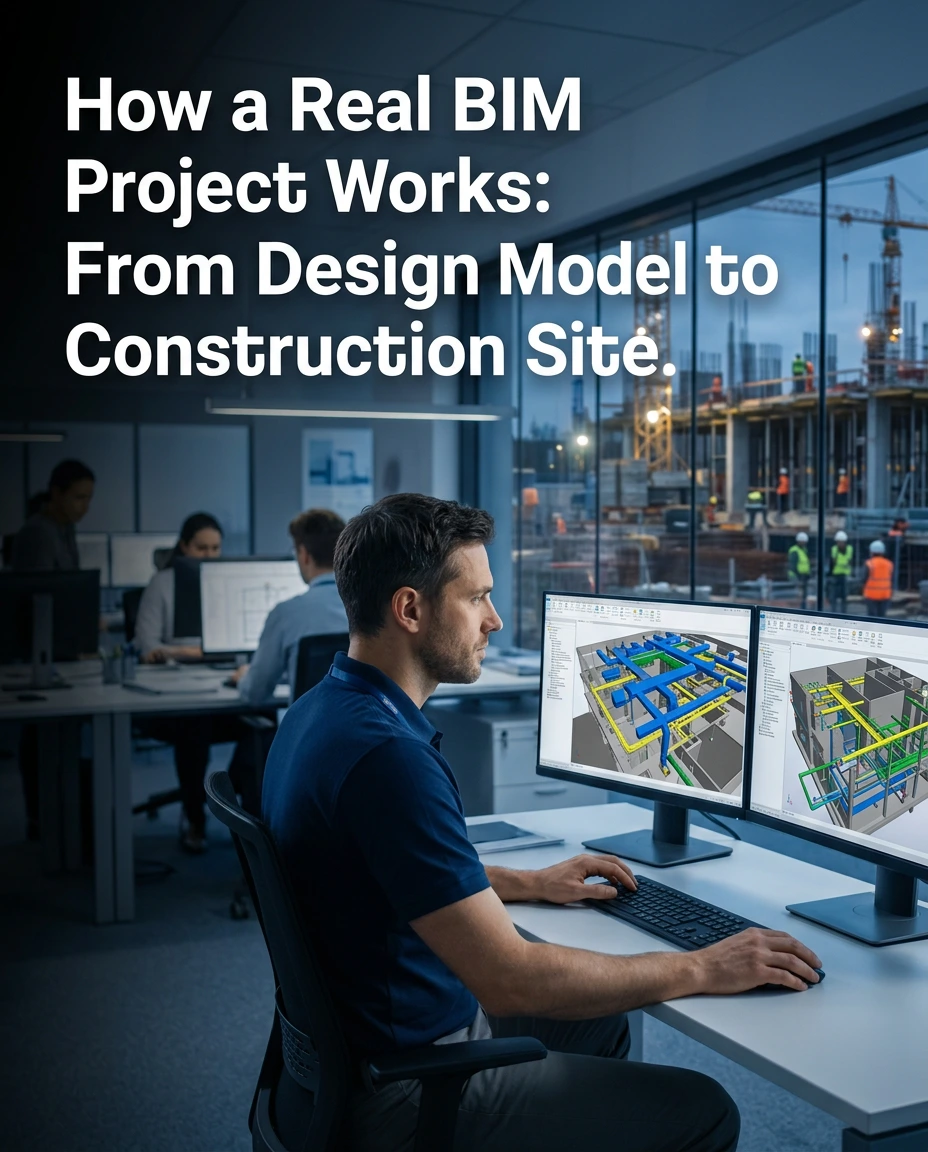
A BIM project isn't just a 3D model on a screen. It's a live, connected workflow that runs from the first sketch on paper all the way to the day a building is handed over to its owner — and beyond.
Once you see the full picture, everything changes. You stop using software and start thinking like a BIM professional.
This guide breaks down exactly how a real BIM project works, stage by stage — with the tools used at each step and what your role looks like as an engineer or coordinator.
What Is a BIM Project, Really?
Before jumping into the stages, let's clear up a common misconception.
BIM is not a software. It's a process.
Building Information Modeling means that every element of a building — every wall, duct, beam, pipe, and fitting — exists in a digital model that carries real data. Not just geometry. Information.
That information includes:
- ▸ Material specifications
- ▸ Cost data
- ▸ Installation sequence (4D BIM)
- ▸ Quantity take-offs (5D BIM)
- ▸ Energy and maintenance data (6D BIM)
The model becomes a single source of truth that all teams — architects, structural engineers, MEP engineers, and contractors — work from together. This is what separates a BIM project from a CAD project.
The 6 Stages of a Real BIM Project
Concept and Early Design
Every project begins with an idea — but in a BIM workflow, even the concept stage is structured. At this point, the team focuses on:
- ● Site analysis — orientation, wind, sunlight exposure
- ● Massing studies — overall shape and volume of the building
- ● Design options and feasibility
Tools: Autodesk Forma (formerly Spacemaker), Revit massing tools
Why it matters for you: The decisions made here — building orientation, floor plate size, structural grid — will directly shape your modeling work later.
Detailed BIM Modeling
This is where most engineers spend the majority of their time, and where Revit is the dominant platform. Three separate teams typically build three separate models:
- ● Architectural model — floor plans, walls, doors, windows, finishes
- ● Structural model — columns, beams, slabs, foundations
- ● MEP model — mechanical systems (HVAC), electrical distribution, plumbing, fire protection
Each model is built to a defined Level of Development (LOD) — LOD 100 is conceptual, LOD 400 is fabrication-ready. Every element you model will feed into clash detection, quantity take-offs, and construction drawings. Errors compound downstream.
BIM Coordination and Clash Detection
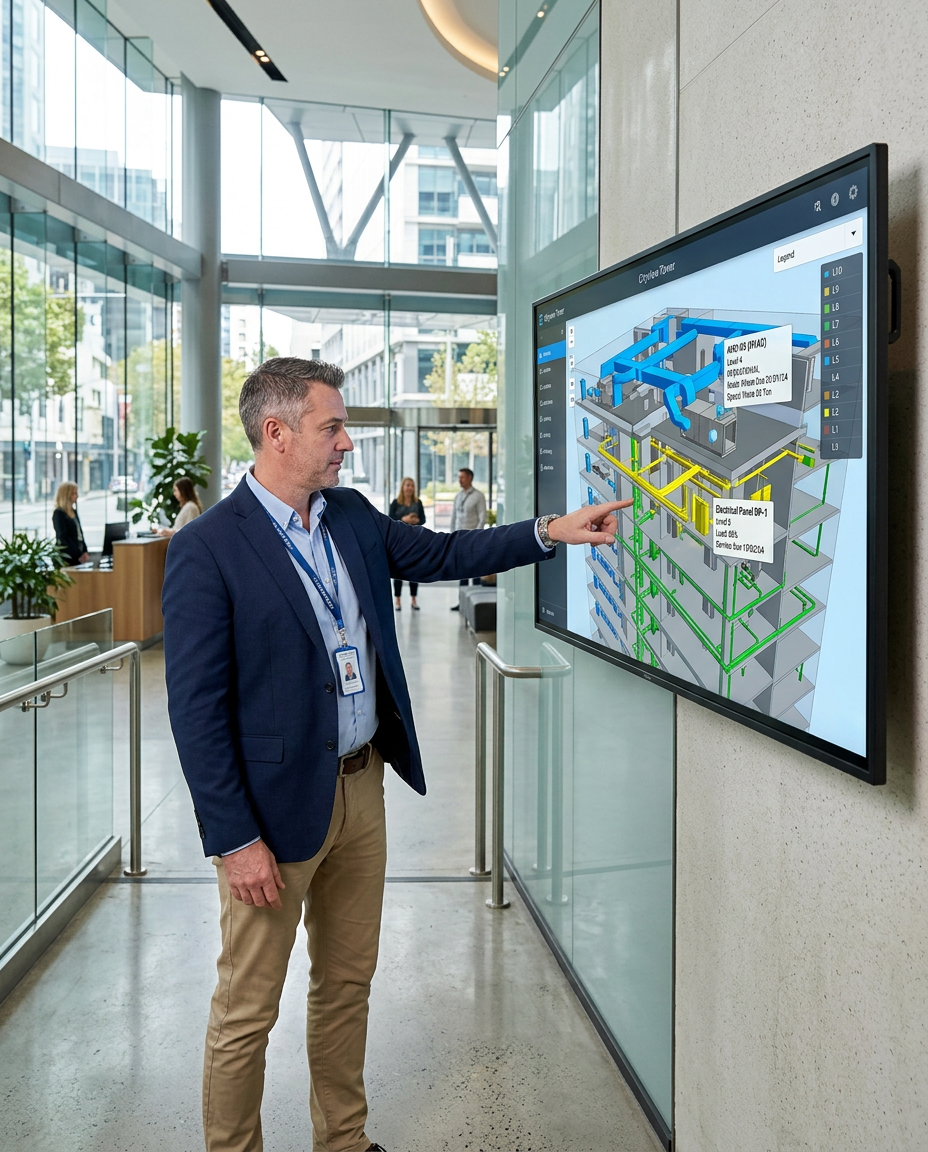
All models are combined into a federated model — a single file overlaying architecture, structure, and MEP. Conflicts appear: a duct clashes with a beam, a pipe runs through a moved wall, a structural column lands inside a switchroom. Finding these in the model — not on site — is the entire point.
Tools:
- ● Autodesk Navisworks — industry standard for clash detection and coordination
- ● BIM 360 / Autodesk Construction Cloud — managing clash reports across teams
1% — the cost to fix a clash during coordination vs. fixing it during construction. The ROI of proper coordination is significant.
Construction Documentation
BIM generates construction documents directly from the model. Change one element, and every related drawing updates automatically — eliminating inconsistency between drawings. Documents produced at this stage:
- ● Construction drawings — plans, sections, elevations, details
- ● Schedules — door schedules, room data sheets, equipment lists
- ● Quantity take-offs — precise material quantities for procurement and cost estimation
For MEP engineers specifically: This stage includes routing drawings, spool drawings for prefabrication, and coordination drawings showing how all services fit within the ceiling plenum.
Construction Phase Support
BIM doesn't stop when the shovel hits the ground. During construction, the model becomes a reference tool for everyone on site. What happens at this stage:
- ● RFI management — site queries raised against the model and resolved by the design team
- ● Model updates — as construction deviates from design, the model is updated to reflect what's actually built
- ● 4D scheduling — construction sequence linked to model, allowing project managers to visualize progress
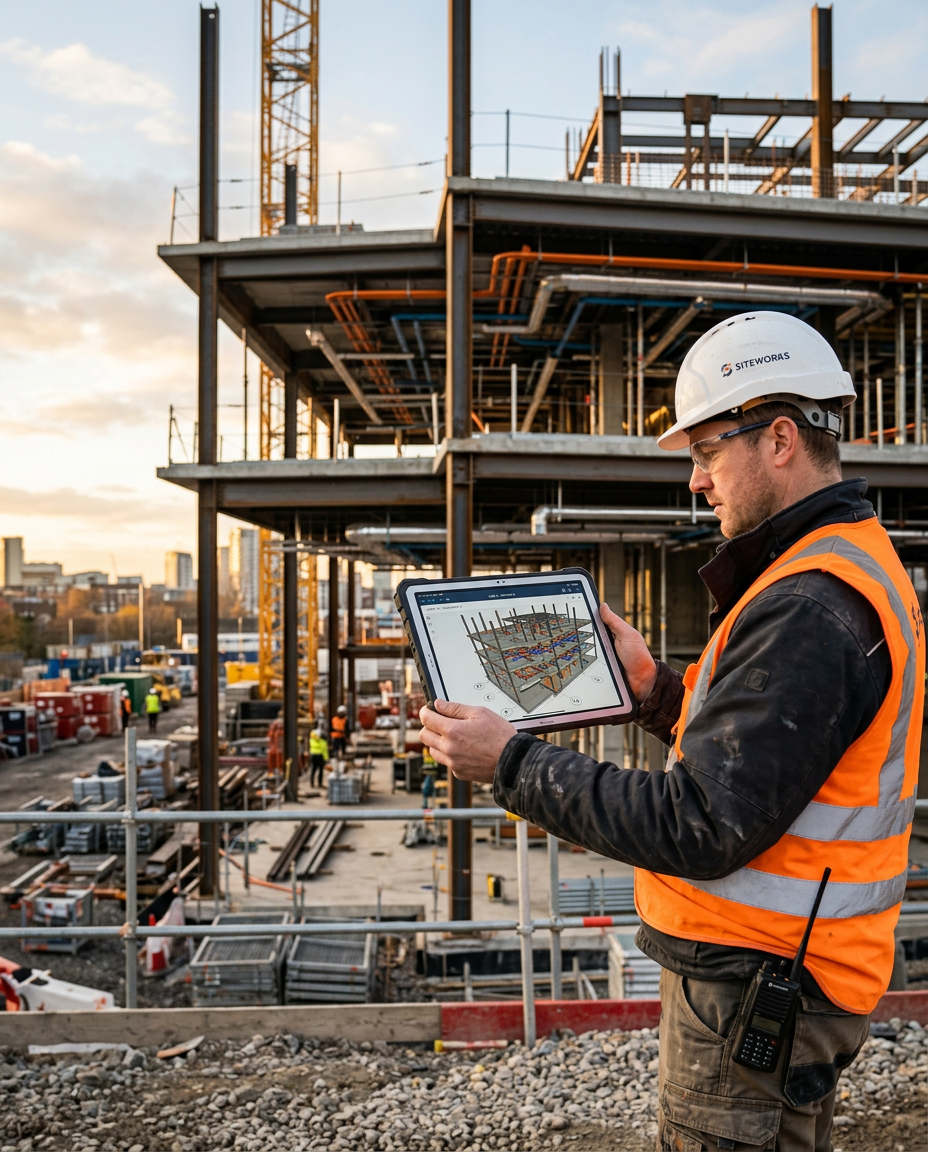
- ● Remote access — Autodesk Construction Cloud allows site teams to access the latest model from a tablet in real time
Handover and Facility Management
The project is complete. Most people think BIM ends here. It doesn't.
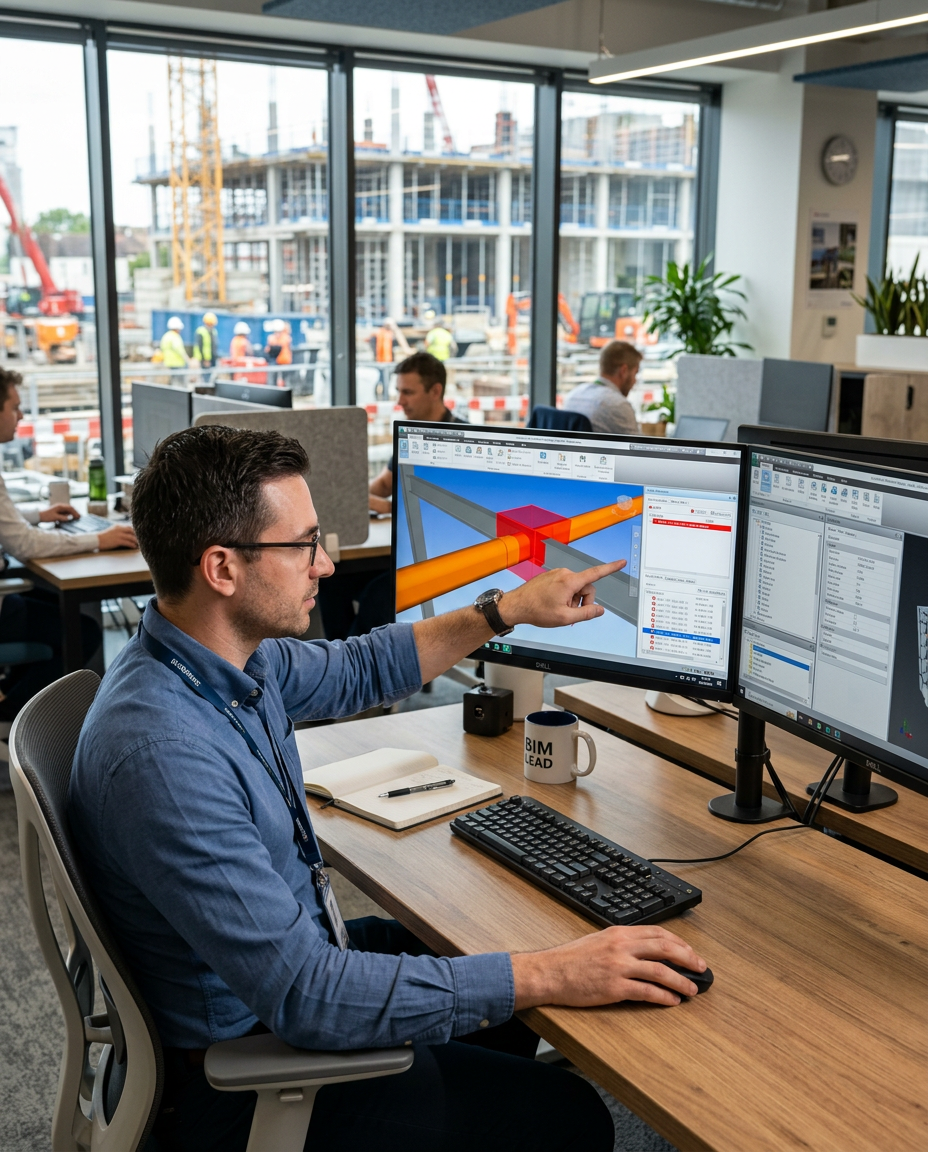
The as-built model contains every element with its real specifications. Facility management teams use it for:
- ● Locating and identifying equipment for maintenance
- ● Planning renovations without needing to resurvey the building from scratch
- ● Running building energy analysis and optimization
- ● Tracking asset lifecycle and replacement schedules
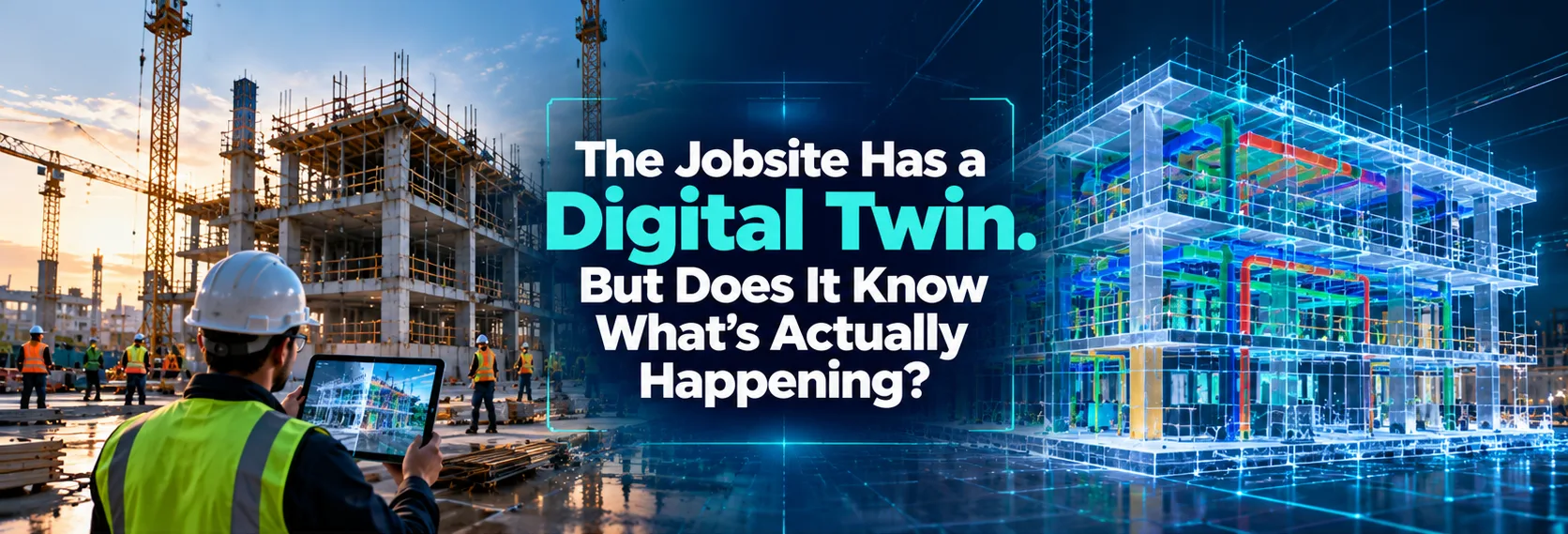
This is the full promise of BIM — not just a design tool, but a digital twin of the building across its entire lifecycle.
What Does a BIM Execution Plan (BEP) Do?
Before any of the above begins, a professional BIM project establishes a BIM Execution Plan — the rulebook for how BIM will be implemented on that project. The BEP defines:
- ▸ Who models what — and to what LOD at each stage
- ▸ Naming conventions for files, elements, and folders
- ▸ Software platforms and file formats
- ▸ Coordination meeting schedule
- ▸ Deliverables at each milestone
⚠ Red flag: If you join a BIM project and there's no BEP, that's a problem.
The Real Difference Between a BIM User and a BIM Professional
Anyone can learn to draw walls in Revit. A BIM professional understands why each element is modeled the way it is, who uses that data, and when it needs to be ready. The difference shows up in:
- ▸ Coordination meetings — can you explain a clash and propose a solution?
- ▸ Documentation quality — are your drawings contractor-ready?
- ▸ Data discipline — are your element properties filled correctly for take-offs?
- ▸ Communication — can you work across disciplines and explain technical decisions?
This is what employers and consultancies in the UAE, GCC, and across India are hiring for right now. Not tool users — workflow professionals.
How BIM Cafe Prepares You for Real BIM Projects
At BIM Cafe Learning Hub in Kochi, training is built around this workflow — not just the software. Every program includes:
- ✓ Live project exercises that mirror real coordination workflows
- ✓ Clash detection practice using Navisworks with multi-discipline models
- ✓ Documentation outputs reviewed against industry standards
- ✓ Industry project training programs — working on actual-scale international projects
Whether you're a civil engineer moving into structural BIM, an MEP engineer targeting coordination roles, or an architect looking to lead BIM projects — the workflow you've just read is what your training should prepare you for.
Ready to understand BIM the way the industry actually uses it?
Explore BIM Courses at BIM Cafe →