Author: Devika R
March 28, 2026
5 min read
Introduction: Understanding How BIM Actually Works
A lot of students today learn tools like Revit or Navisworks.
But even after learning the software, one question still comes up:
“How does a real BIM project actually work?” And that’s a valid question.
Because BIM is not just about creating 3D models on a screen.
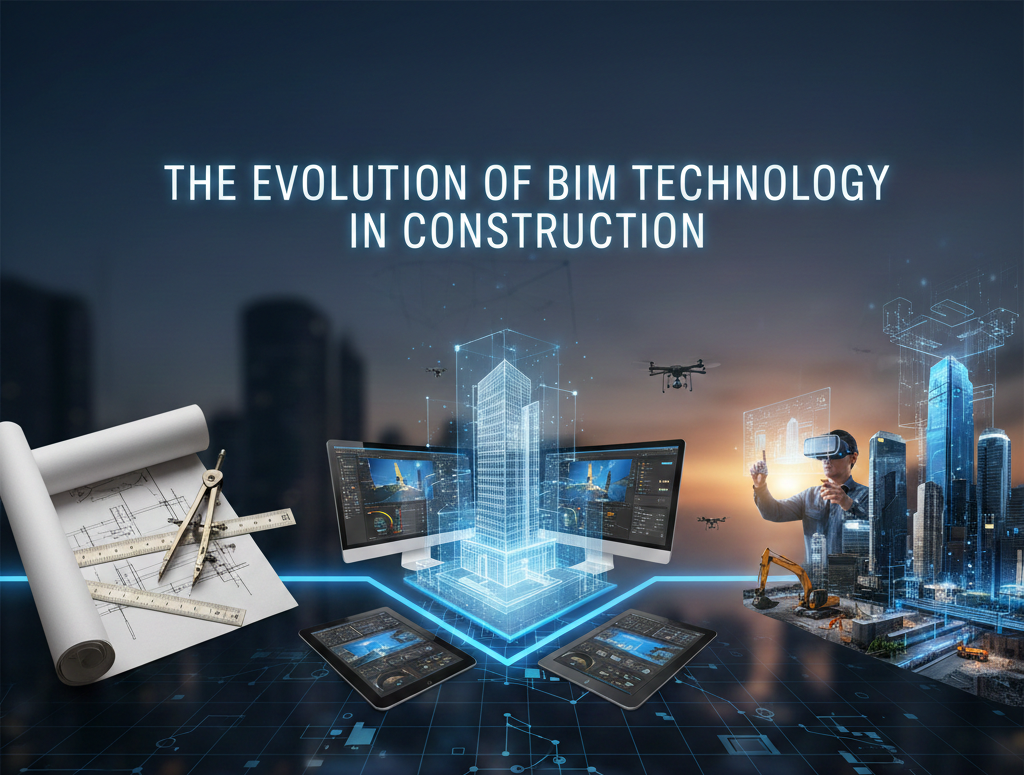
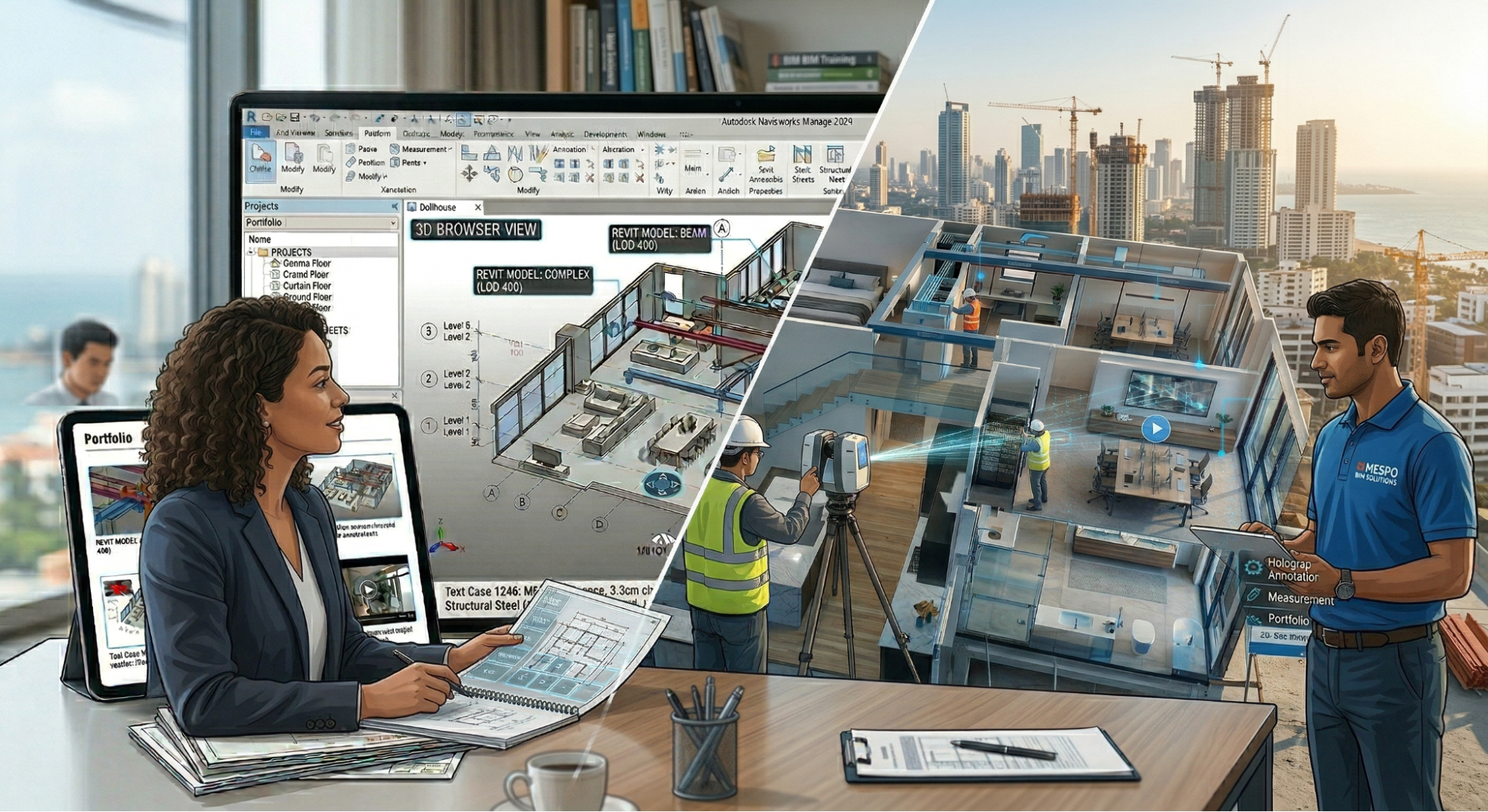
In reality, it’s a connected workflow—one that links design, coordination, and construction into a single process.
Once you understand this flow, something changes.
You don’t just “use software” anymore—you start seeing how your work fits into an actual project.
👉 If you're still confused about how different tools fit into workflows, you can also explore the AutoCAD vs Civil 3D comparison on our blog:
https://bimcafe.in/blog/autocad-vs-civil-3d/
Step 1: Concept and Early Design
Every project starts with an idea.
At the early stage, the focus is not on details, but on understanding the space and possibilities.
Typically, this involves:
- Creating basic massing models
- Studying site conditions
- Exploring different design options
Tools like Autodesk Forma and other conceptual design platforms help evaluate things like:
- Sunlight exposure
- Wind patterns
- Site context
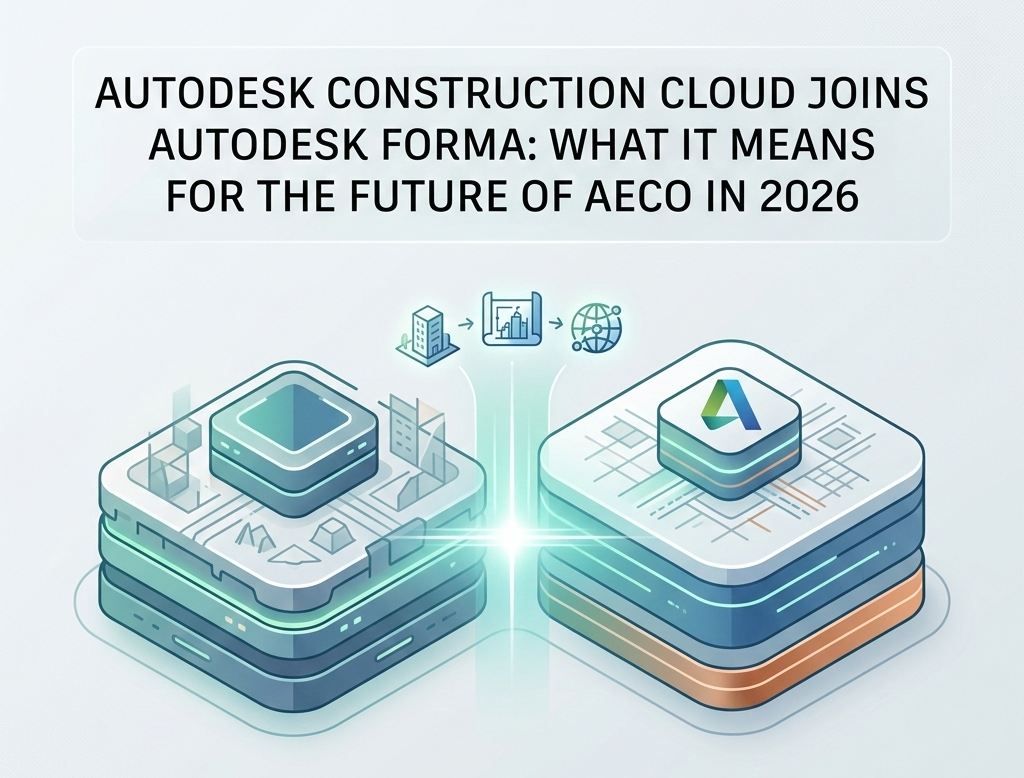
👉 Modern BIM workflows are evolving with cloud platforms—learn more about this in our blog section:
https://bimcafe.in/blog/autodesk-construction-cloud-joins-autodesk-forma-2026/
Step 2: Detailed BIM Modeling
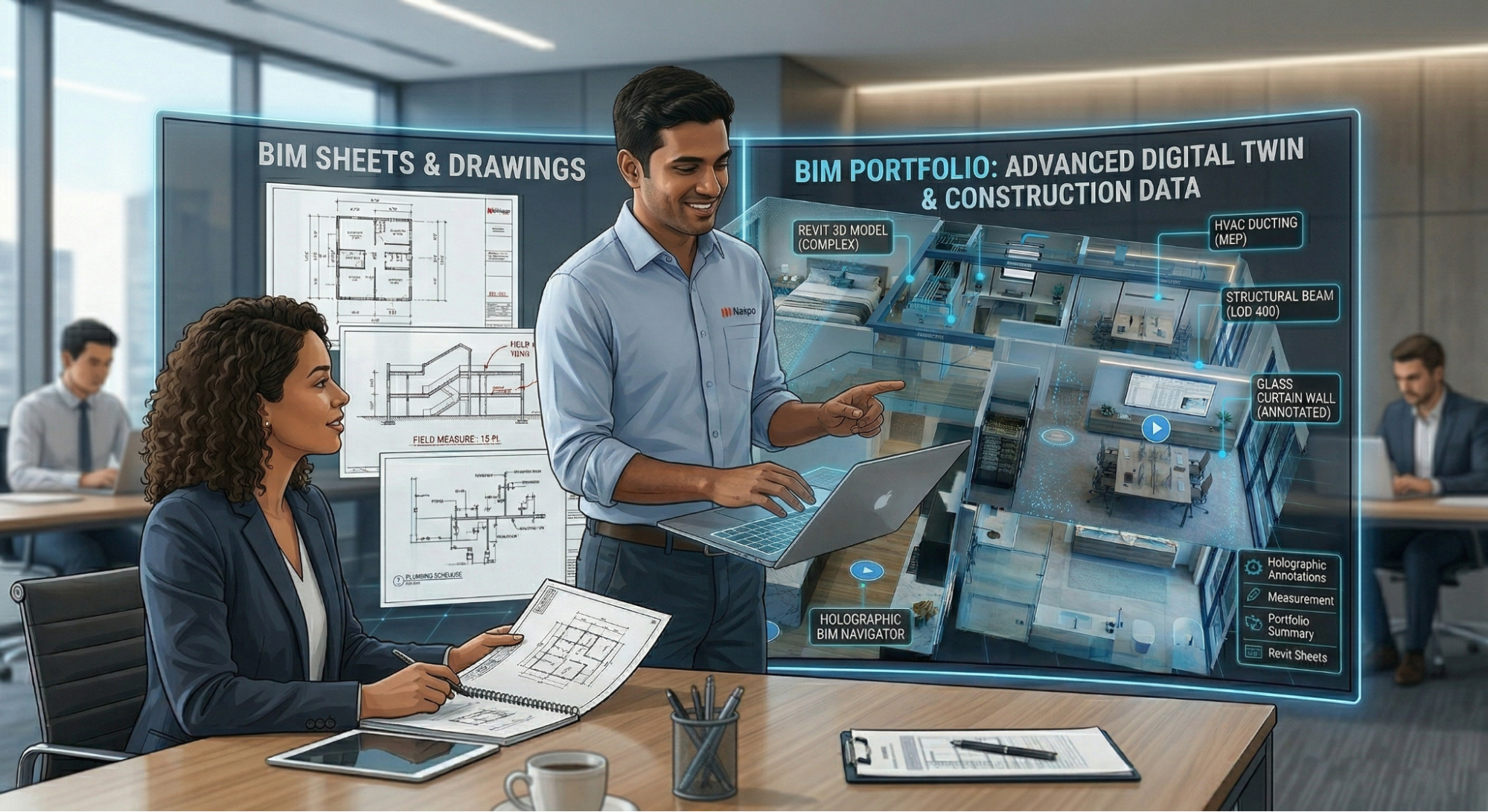
Once the concept is finalized, the project moves into detailed modeling.
This is where BIM actually starts taking shape.
Different teams begin working on:
- Architectural models
- Structural systems
- MEP (Mechanical, Electrical, Plumbing) layouts
Software like Autodesk Revit is commonly used here.
The focus now shifts to:
- Accuracy
- Detail
- Real-world representation
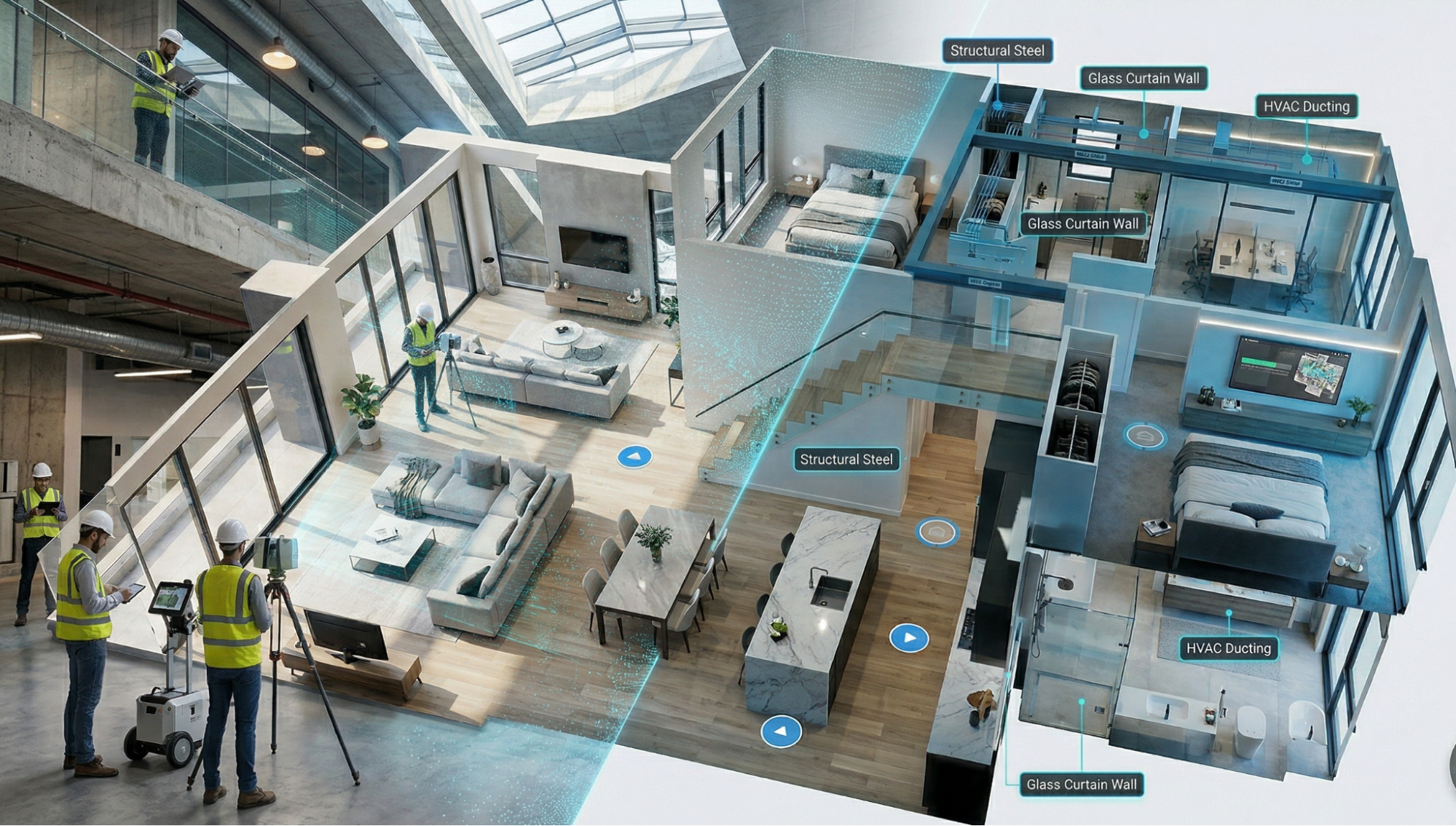
This is no longer just design—it’s about building a digital version of the actual project.
👉 To understand how structural roles differ in BIM, read:
https://bimcafe.in/blog/structural-bim-vs-structural-engineering/
Step 3: Model Coordination
Now comes one of the most important stages in BIM: coordination.
Each discipline has its own model.
But in real projects, everything has to work together.
So what happens?
- Models are combined into a federated model
- Clash detection is carried out
- Conflicts between systems are identified
For example:
- A duct passing through a beam
- A pipe intersecting a wall
Tools like Navisworks are used to catch these issues early.
👉 Fixing problems here is far easier (and cheaper) than fixing them on-site.
Step 4: Construction Documentation
Once coordination is sorted, the focus shifts to documentation.
From the BIM model, teams generate:
- Construction drawings
- Detailed schedules
- Quantity take-offs
These are not separate drawings created manually.
They are directly extracted from the BIM model.
That means:
- Changes update automatically
- Errors are reduced
- Consistency is maintained
These documents become the reference for construction teams on-site.
👉 Want to know what recruiters expect in real BIM deliverables? Read:https://bimcafe.in/blog/why-bim-skills-matter-more-than-degrees-2026/
Step 5: Construction Phase
When construction begins, BIM doesn’t stop—it continues to support the project.
At this stage, models are used for:
- Clear design reference
- Ongoing coordination between teams
- Tracking progress and updates
Platforms like Autodesk Construction Cloud allow teams to:
- Access models remotely
- Share updates in real time
- Maintain communication across teams
BIM becomes a live support system, not just a design tool.
Step 6: Handover and Facility Management
Once construction is complete, the BIM model doesn’t disappear.
It becomes a digital asset for the building owner.
This model can include:
- As-built information
- Equipment details
- Maintenance data
Facility teams can then use this for:
- Building operations
- Maintenance planning
- Long-term management
This is where BIM extends beyond construction into operations and lifecycle management.
Why Understanding This Workflow Matters
Learning software is important—but it’s only one part of the picture.
When you understand the full BIM process:
- You model with more clarity
- You understand why things are done a certain way
- You communicate better with teams
- You deliver work that actually fits the project needs
In short, you move from being a software user to a BIM professional.
How BIM Cafe Prepares Students for Real BIM Workflows
At BIM Cafe Learning Hub, the focus is not just on teaching tools.
The goal is to help students understand how BIM works in real projects.
Training includes:
- BIM modeling with real project logic
- Coordination workflows
- Documentation practices
- Industry-style project exercises
This ensures students don’t just learn commands—they understand how projects actually run.
Final Thoughts
BIM is changing how buildings are designed and delivered.
It connects:
- Design
- Coordination
- Construction
- Operations
All through a single, structured workflow.
If you’re entering the industry, understanding this process is just as important as learning any software.
Because in real projects, it’s not about what tool you know—It’s about how well you understand the workflow behind it.
FAQs
What is the BIM project lifecycle?
It includes concept design, modeling, coordination, documentation, construction support, and facility management.
Why is coordination important in BIM?
It helps identify design conflicts early, avoiding costly errors during construction.
Which software is commonly used in BIM workflows?
Tools like Revit, Navisworks, Civil 3D, and Autodesk Construction Cloud are widely used.