Author: Devika R
February 12, 2026
8 min read
If you’re a student or professional in the construction industry, you’ve probably asked this at some point:
“Should I learn AutoCAD or Civil 3D?”
Since both tools are developed by Autodesk and look similar at first glance, it’s easy to assume they do the same job.
But in reality, AutoCAD and Civil 3D are built for very different workflows—and choosing the right one can shape your career path.
In this blog, BIM Cafe Learning Hub breaks down the real differences between AutoCAD vs Civil 3D, so you can decide which software fits your goals.
What Is AutoCAD?
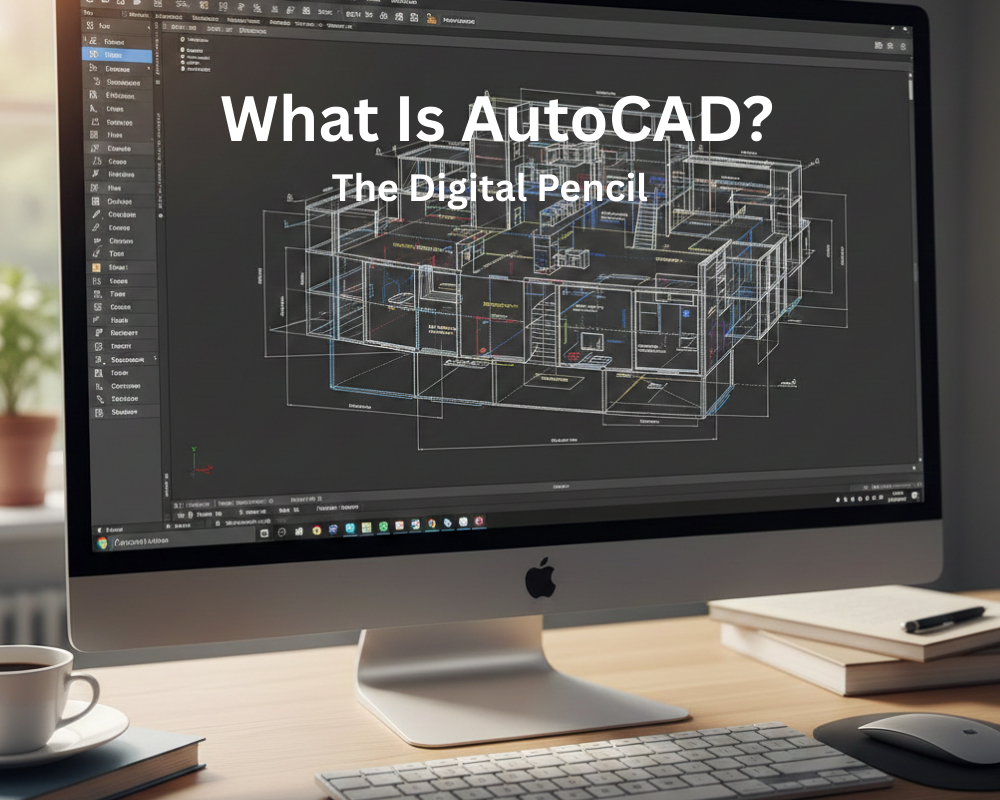
AutoCAD is a general-purpose drafting and design software used across many industries. It’s primarily used for:
- Creating 2D drawings
- Preparing plans, sections, and elevations
- Drafting technical layouts
- Producing construction documentation
AutoCAD is widely used in:
- Architecture
- Mechanical engineering
- Electrical design
- Interior design
- Manufacturing and fabrication
In AutoCAD, everything you draw is made from basic geometric elements—lines, arcs, circles, and polylines.
The software does not understand what you’re designing. A road, a building, or a pipeline is simply a collection of shapes.
Think of AutoCAD as a digital drawing board: precise, flexible, and powerful for drafting—but not for engineering design logic.
What Is Civil 3D?
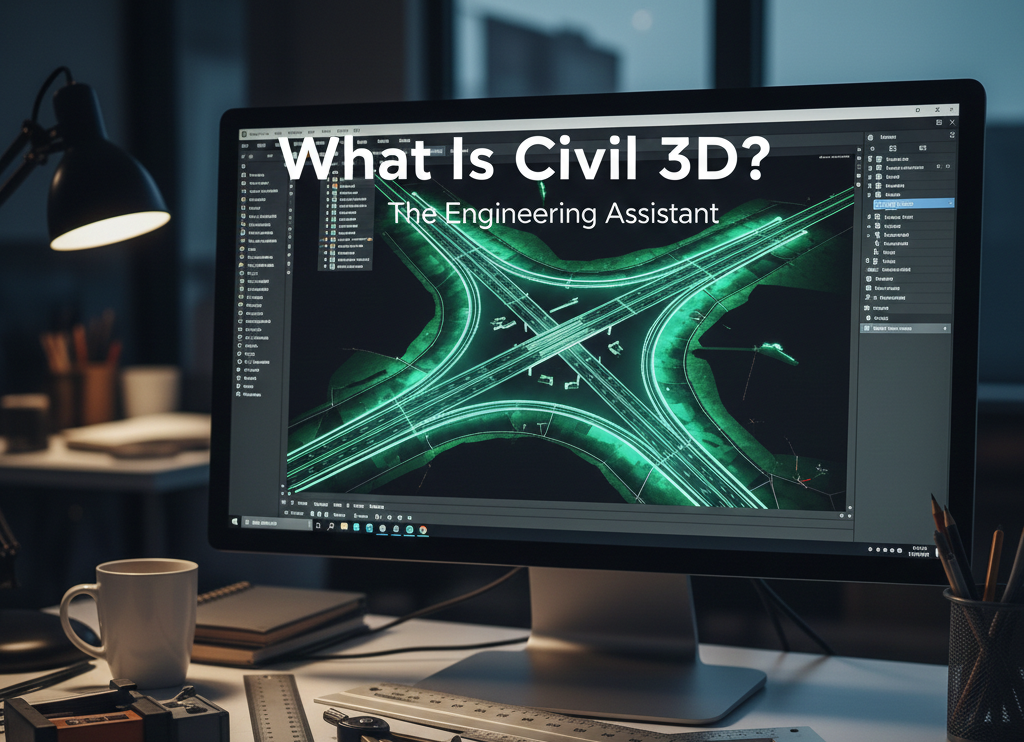
Civil 3D is a specialized civil engineering design software built on top of AutoCAD. It includes everything AutoCAD has—plus advanced tools made specifically for infrastructure projects.
Civil 3D is commonly used for:
- Road and highway design
- Land development
- Survey data processing
- Grading and site design
- Stormwater and drainage design
- Pipe networks
- Earthwork calculations
- Corridor modeling
The big difference? Civil 3D works with intelligent engineering objects.
For example:
- A road in Civil 3D is not just lines
- It’s a data-rich model with alignments, profiles, cross-sections, and elevations
- If one part changes, related drawings update automatically
This intelligence makes Civil 3D faster, more accurate, and far more suitable for real civil engineering workflows.
Perfect 👍
Let’s deepen this section while keeping it student-friendly, recruiter-relevant, and aligned with real industry workflows.
Below is the expanded, detailed version.
Key Differences Between AutoCAD and Civil 3D
At first glance, AutoCAD and Civil 3D may look similar because Civil 3D is built on the AutoCAD platform. The interface, drawing environment, and many commands feel familiar.
However, once you begin working on real projects, the difference becomes dramatic.
AutoCAD is primarily a drafting environment.
Civil 3D is an engineering design system.
Understanding this distinction is crucial for choosing the right learning path and preparing for the type of jobs companies are actually hiring for in 2026.
1) Purpose of the Software
AutoCAD
AutoCAD is designed to create accurate technical drawings. It is widely used wherever drafting and documentation are required.
Professionals use AutoCAD for:
- Floor plans
- Sections and elevations
- Layouts
- Fabrication drawings
- Schematics
Because of its flexibility, it is applied across multiple industries including architecture, mechanical design, electrical systems, interiors, and manufacturing.
But remember: AutoCAD documents designs.
It does not build engineering intelligence into them.
Civil 3D
Civil 3D is purpose-built for civil and infrastructure engineering. It allows engineers and designers to create models that contain geometry, data, and behavior.
It is used for:
- Road and highway projects
- Subdivisions and land development
- Drainage and utility networks
- Terrain modeling
- Grading and earthworks
Instead of just drawing, Civil 3D helps teams simulate how infrastructure will function in the real world.
2) Type of Objects
This is where the true gap begins.
In AutoCAD
Everything is made of simple graphic entities like:
- Lines
- Polylines
- Arcs
- Blocks
The software does not know whether those lines represent a road edge, a pipe, or a boundary.
It is visual information, not engineering data.
In Civil 3D
Objects are intelligent and data-driven.
For example:
- An alignment knows it is a road centerline
- A surface knows elevations and slopes
- A corridor knows assemblies and cross-sections
- A pipe network knows flow direction and connectivity
Because the software understands what the object represents, it can automate updates, generate reports, and maintain relationships between elements.
3) Automation Level
AutoCAD
Most operations are manual.
If something changes, you edit drawings individually. Nothing else updates unless you change it yourself.
This means:
- Higher chance of inconsistencies
- More rework
- Greater dependence on manual accuracy
Civil 3D
Civil 3D is built for dynamic engineering workflows.
Objects are interconnected.
If you change one element, related components respond automatically.
For example:
- Update alignment → profiles adjust
- Modify surface → quantities change
- Edit corridor → sections regenerate
This automation dramatically improves productivity and reduces errors.
4) Handling Design Changes
Design change is constant in infrastructure projects.
With AutoCAD
A modification can trigger hours—or days—of redrawing. Profiles, cross-sections, annotations, and quantities must be manually recreated or verified.
Small change. Big effort.
With Civil 3D
The model updates itself.
Change the alignment, and:
- Profiles revise
- Sections update
- Labels adjust
- Reports refresh
This saves:
✔ Time
✔ Cost
✔ Coordination effort
✔ Human error
It also allows teams to explore design options more confidently.
5) Engineering Calculations
AutoCAD
AutoCAD has no built-in engineering intelligence.
You must rely on external spreadsheets or manual methods.
No:
- Earthwork volumes
- Automated quantity reports
- Intelligent design tables
Civil 3D
Civil 3D can directly generate:
- Cut and fill calculations
- Volume comparisons
- Material quantities
- Alignment geometry reports
- Corridor data
For employers, this capability is a major differentiator between a draftsman and a civil designer.
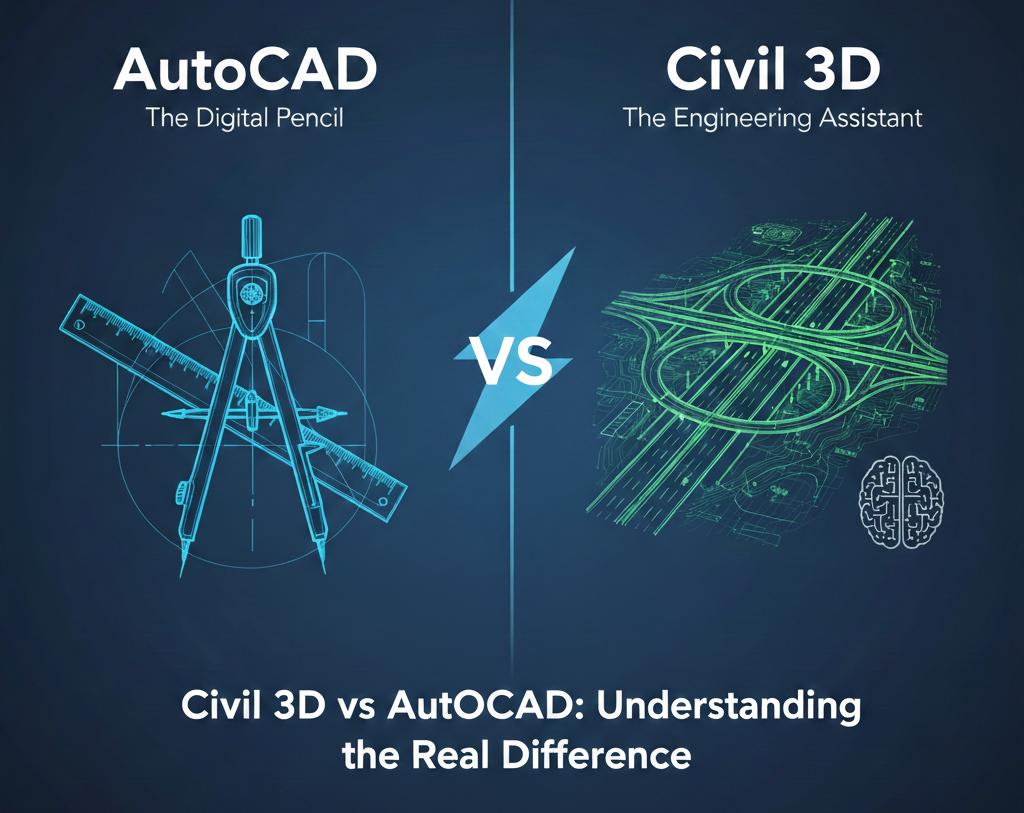
A Simple Analogy
Think of it like this:
AutoCAD = A powerful digital pencil.
You can draw anything beautifully, but you must control everything manually.
Civil 3D = An engineering assistant.
It understands relationships, warns you about issues, and updates information automatically.
AutoCAD creates drawings.
Civil 3D creates engineering systems.
Which Software Should You Learn?
Your career direction should drive this decision.
AutoCAD is suitable if you:
- Work mainly in drafting roles
- Produce 2D documentation
- Come from architecture, interiors, or fabrication
- Support engineers rather than perform design
Civil 3D is essential if you:
- Are a civil engineering student
- Want to work on infrastructure projects
- Aim for highway, grading, or land development roles
- Plan to enter BIM-based civil workflows
- Want better international job mobility
In 2026, most civil design consultancies expect Civil 3D knowledge as a baseline skill.
Why Learn Civil 3D at BIM Cafe Learning Hub?
Learning software is easy.
Learning how the industry uses it is what makes you employable.
BIM Cafe’s Civil 3D training focuses on:
- Real project workflows
- Industry-style data management
- Practical design exercises
- Understanding deliverables companies expect
- Preparing students for interviews and job environments
The goal is not only to make you comfortable with commands — but to help you understand how infrastructure projects are executed digitally.
Conclusion
AutoCAD remains one of the most important drafting tools in the world.
But modern civil engineering increasingly depends on:
✔ intelligent modeling
✔ automated updates
✔ integrated data
✔ faster coordination
Civil 3D provides exactly that.
If your future lies in infrastructure, highways, or land development, Civil 3D is not an upgrade — it is a necessity.
Knowing the difference helps you invest your learning time wisely and avoid career detours.
Upgrade Your Skills with Professional Training

If you want to build real capability in AutoCAD, Civil 3D, or BIM technologies, BIM Cafe Learning Hub can guide you with structured, practical, and industry-focused programs.
📍 BIM Cafe Learning Hub
🌐 www.bimcafe.in
📞 9778135014
Build skills that companies recognise.
Become truly job-ready.