
Are you dreaming of a high-demand career in Building Information Modeling (BIM)? Whether you’re an aspiring architect, civil engineer, or MEP designer, becoming a BIM Specialist can open the doors to global opportunities and career growth.
At BIM Cafe Learning Hub, we’ve helped hundreds of learners transform their futures. Now, it’s your turn. Here’s your ultimate step-by-step guide to mastering BIM tools, building a powerful portfolio, and earning globally recognized certifications. Ready?
1. Master Revit: Build Your BIM Foundation
Autodesk Revit is the industry-standard software for BIM. Start here:
- Take courses on Revit Architecture & MEP
- Practice building complete 3D models: walls, slabs, families, etc.
- Create detailed construction documents: floor plans, sections, schedules.
Pro Tip: Learn how to customize families and set up templates; it gives you a major edge in interviews!
2. Navigate with Navisworks: Coordinate Like a Pro

Navisworks Manage is critical for project coordination and clash detection.
- Learn to aggregate architectural, structural, and MEP models.
- Run clash tests, manage timelines, and visualize construction sequences.
Our Navisworks training is included as a core module in our All-BIM Program.
3. Automate Tasks with Dynamo: Save Time & Elevate Skills
Dynamo for Revit helps you automate repetitive design tasks and enhance workflows.
- Visual programming made simple, no coding required!
- Create custom scripts to batch-place families or extract parameters.
- Automate sheet creation, view placement, and more.
Many of our learners use Dynamo in real-world freelance and coordination jobs.
4. Understand BIM Standards & Processes: Speak the Industry Language
To be a true BIM professional, you must know the global standards:
- BIM Level 2 processes, roles, and deliverables.
- ISO 19650: Standard for BIM implementation and documentation.
- COBie (Construction-Operations Building Information Exchange).
- Collaborate using Common Data Environments (CDEs) like BIM 360 and Aconex.
Our curriculum aligns with international BIM standards and real project workflows.
5. Build a Winning BIM Portfolio
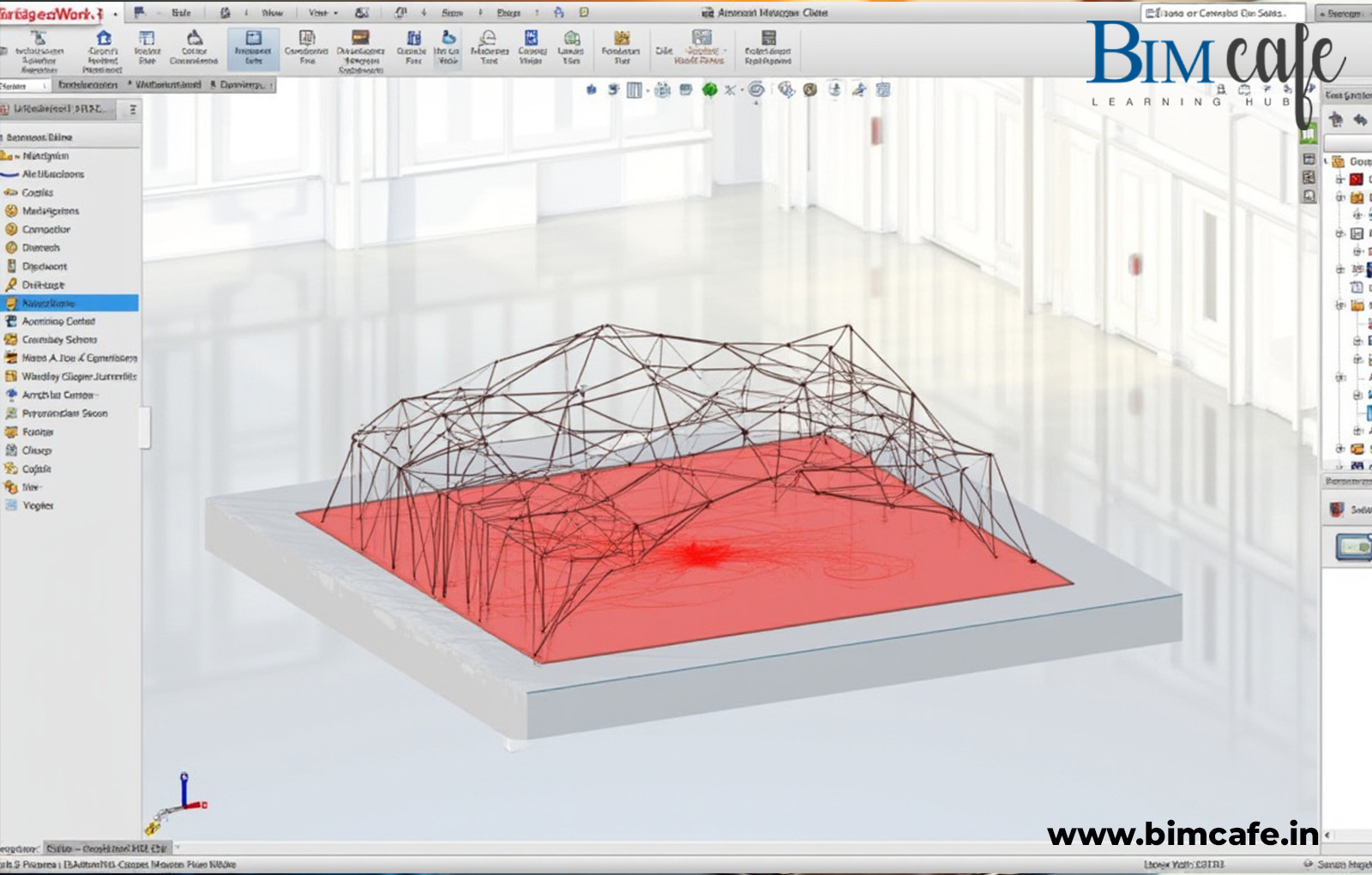
Let your skills speak for themselves with a solid portfolio:
- Architectural or MEP building models with detailed documentation.
- Screenshots of clash reports using Navisworks.
- Dynamo scripts and automation workflows you’ve developed.
Need help with your portfolio? Every BIM Cafe Learning hub student gets mentorship and review sessions to build industry-ready portfolios.
6. Get Certified: Validate Your BIM Expertise
Stand out with certifications that hiring managers trust:
- Autodesk Certified Professional (ACP) – Revit
- ISO 19650 Fundamentals Certification
- Certified BIM Manager – through AGC, RICS, etc.
BIM Cafe Learning Hub is an Autodesk Certified Learning Partner, offering prep support for your certification journey.
7. Gain Practical Experience: Get Real-World Exposure

Nothing beats hands-on experience:
- Apply for internships through our AEC industry network.
- Take on freelance projects (Upwork, Fiverr).
- Participate in global project simulations as part of our advanced BIM training.
Our model combines project-based learning + assurance of placement.
BONUS: Assess Your BIM Career Readiness in 2 Minutes
BIM Career Self-Assessment: Are You Ready? Rate yourself from 1 (Not Yet) to 5 (Absolutely Confident) for each statement below.
| No. | Self-Assessment Statement | Score (1–5) |
| 1 | I can create basic floor plans, sections, and elevations in Revit. | |
| 2 | I understand Architectural, Structural, and MEP BIM differences. | |
| 3 | I can model structural elements like columns, beams, and slabs. | |
| 4 | I have performed clash detection in Navisworks. | |
| 5 | I have explored visual programming using Dynamo. | |
| 6 | I know what LOD (Level of Development) means and how to apply it. | |
| 7 | I am familiar with BIM 360 or any CDE. | |
| 8 | I understand COBie and its role in data exchange. | |
| 9 | I can automate tasks in Revit with Dynamo scripts. | |
| 10 | I’ve created a BIM-based portfolio. | |
| 11 | I follow BIM trends like Digital Twins, AI in BIM, or Scan-to-BIM. | |
| 12 | I am aware of ISO 19650 and BIM Level 2/3 standards. | |
| 13 | I’ve collaborated on BIM-based group projects. | |
| 14 | I plan to get certified or already hold a BIM/Revit certification. | |
| 15 | I’m exploring internship or freelance opportunities in BIM. |
Score Interpretation
- 0 – 2: Beginner – Learning fundamentals; focus on core skills.
- 3 – 4: Intermediate – Solid understanding; start applying skills to real projects.
- 5: Advanced – Industry-ready; capable of handling complex tasks.
Tools You’ll Master at BIM Cafe Learning Hub
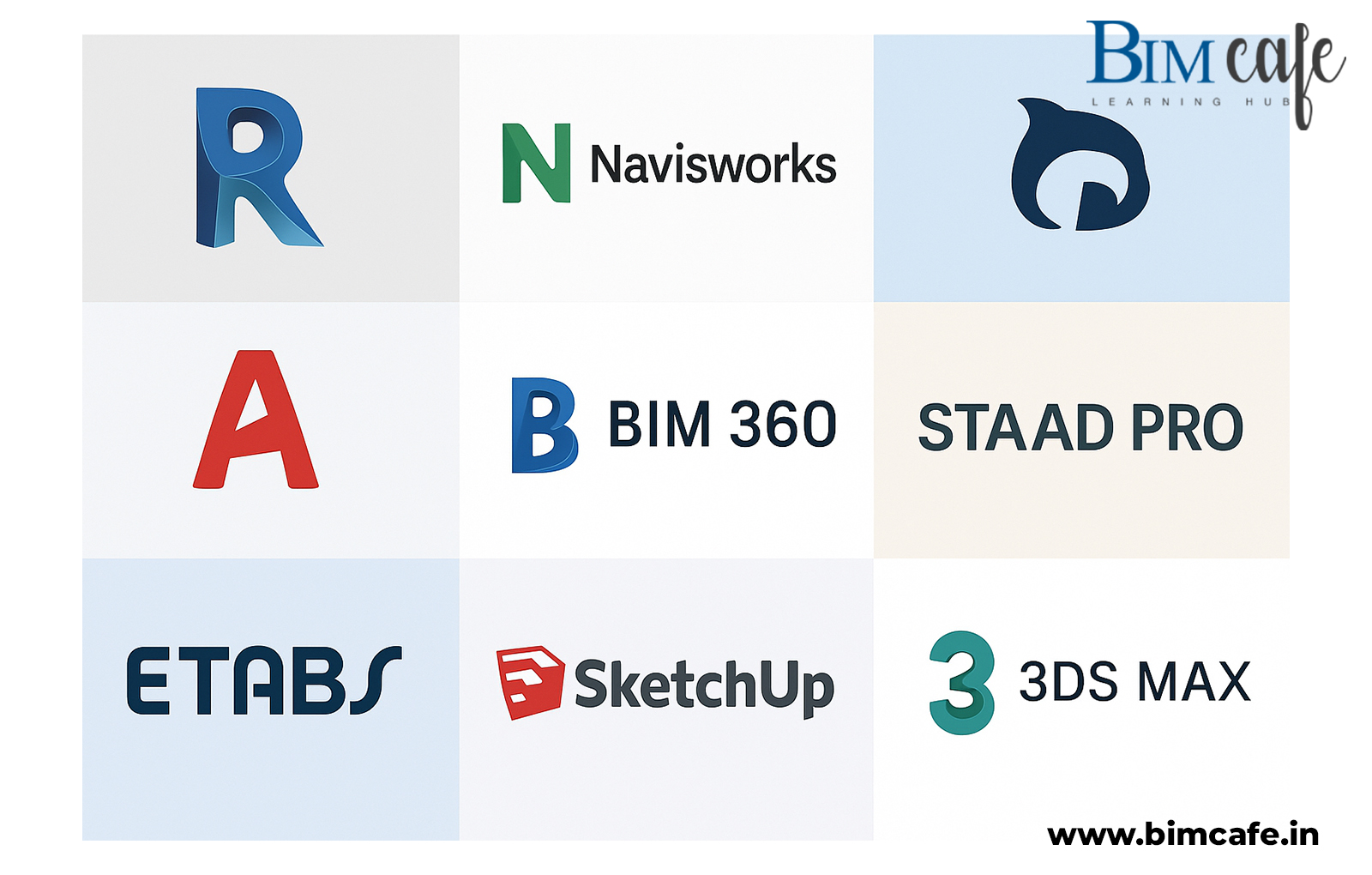
We cover a comprehensive range of BIM tools used in the AEC industry:
- Revit, Navisworks Manage, AutoCAD, Recap Pro, BIM 360
- Dynamo, PyRevit, DiRoots Add-ins
- Staad Pro, ETABS (for structural design)
- SketchUp & 3ds Max (for design + visualization)
Final Thoughts: Take the First Step Toward Your BIM Career
Whether you’re starting fresh or looking to upskill, BIM Cafe Learning Hub is here to guide you every step of the way. We’ll help you:
- Identify the BIM role that best fits your goals – Architectural, Structural, MEP, or Coordination.
- Master essential tools like Revit, Navisworks, and Dynamo with hands-on training.
- Gain real-world project experience that makes you stand out in the job market.
Your future in BIM starts with a single step, and that step is yours to take today.Leap today, enroll with BIM Cafe Learning Hub, and start your journey toward a successful BIM career.